Apple HomeView in India: 9 Smart Home Tips & Compatible Devices
Practical India-focused guide to Apple HomeView: what it does, which HomeKit/Matter devices work, setup tips and privacy trade-offs to decide before buying.

Some links on this page are affiliate links. If you buy through them, ViralDuniya may earn a small commission at no extra cost to you. As an Amazon Associate we earn from qualifying purchases.
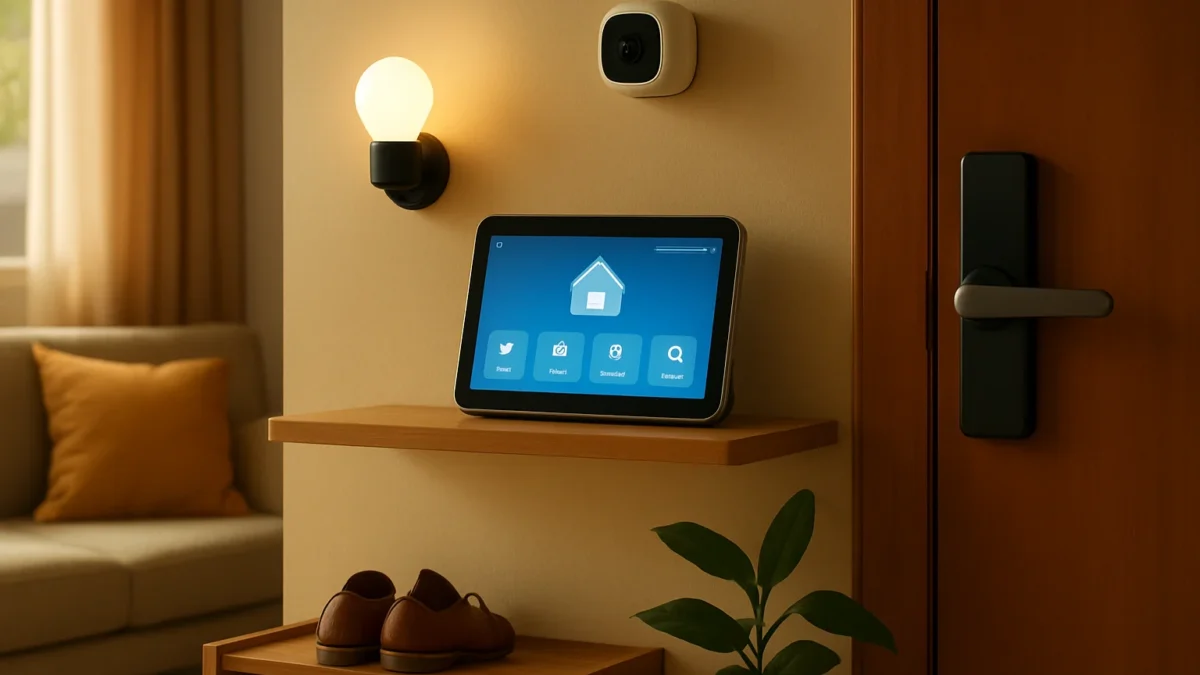
Apple HomeView is Apple's first Siri AI-powered smart display now sold in India (₹39,900). It controls accessories in the Home app — HomeKit, Matter and Apple Home Collection — but not every smart device will work natively. Use Thread- or Matter-enabled gadgets for best compatibility, keep a Home hub and mind camera/privacy settings.
Key takeaways
- HomeView is a Siri AI smart display that acts as a Home hub and dashboard for HomeKit and Matter accessories.
- Best compatibility is with HomeKit-native and Matter-certified devices (Thread helps).
- You still need an iPhone/iPad and a home hub for full features and remote access.
- Privacy choices — on-device Siri, iCloud sync, and camera controls — matter in Indian homes.
- Check each device for HomeKit or Matter logos; many popular brands require a bridge or firmware update.
In this article
- 1. What Apple HomeView actually is
- 2. Which smart devices will work natively
- 3. Matter and Thread: why they matter in India
- 4. Cameras and HomeKit Secure Video — privacy trade-offs
- 5. Which popular Indian and global brands will or won’t work
- 6. Setup tips for Indian homes (network, hubs, power)
- 7. Voice control and multiple Siri users
- 8. Security and privacy: what to check before enabling features
- 9. Long‑term trade‑offs: convenience vs control
- How we picked
- Check latest prices
- Frequently asked questions
- Sources
1. What Apple HomeView actually is
What it is: A 7-inch Siri AI-powered smart display from Apple that acts as a central dashboard for your Home app, plays media, handles FaceTime, and doubles as a home hub for HomeKit and Matter accessories. It runs HomeView software and supports Thread for low‑latency mesh networking.
Best for
iPhone households who want a visible, local Home app controller, intercom/FaceTime on a small dedicated display, and tighter Siri/Apple Intelligence integration.
Pros / Cons
- Pros: Tight Home app integration, Siri AI features, Home hub functions, on-device privacy controls.
- Cons: ₹39,900 price point; some popular devices (non‑Matter, non‑HomeKit) won’t work natively; wall/wired mounting options may add cost.
How to start
Buy from Apple India or authorised retailers, sign in with your Apple ID, add HomeView to your Home in the Home app, and allow it to be a home hub. You’ll need an Apple account and an iPhone or iPad for initial setup.
2. Which smart devices will work natively
What it is: HomeView controls devices that appear in your Home app — that means HomeKit‑certified accessories and Matter-certified products. Apple Home Collection accessories (Apple’s partner tier) are also supported where available.
Best for
Users who buy HomeKit or Matter devices (locks, lights, thermostats, cameras with HomeKit Secure Video) for predictable compatibility.
Pros / Cons
- Pros: Reliable control, automations, scenes and HomeKit Secure Video features.
- Cons: Many budget or India‑popular brands (some Ring, Blink, older Xiaomi/Realme devices) aren’t HomeKit/Matter and need workarounds or won’t appear.
How to start
Check product packaging/description for “Works with Apple Home” or “Matter certified”. If a product supports Matter or Thread it will integrate more smoothly with HomeView.
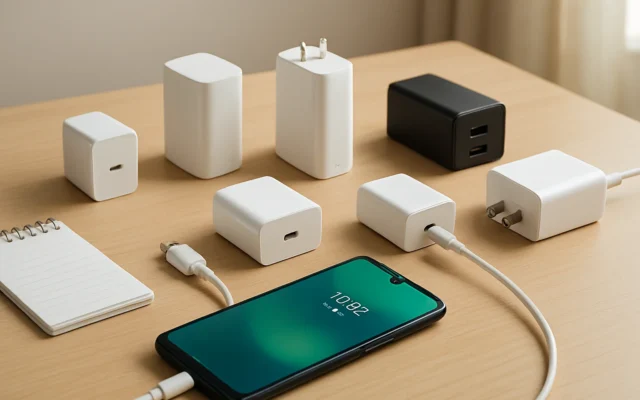
Also read: 7 Best fast charger android picks for India — practical matchups
3. Matter and Thread: why they matter in India
What it is: Matter is a cross‑vendor smart home standard; Thread is a low‑power mesh network. Together they reduce the need for brand bridges and give HomeView more devices to control directly.
Best for
Homes with multiple brands who want simpler setup and better local reliability.
Pros / Cons
- Pros: Easier pairing, fewer vendor apps, local control when possible.
- Cons: Not every device sold in India yet has Matter firmware; Thread requires Thread border router support (HomeView has Thread).
How to start
Prefer Matter-certified devices. Use HomeView plus an iPhone/iPad for pairing; keep firmware updated for Matter support.
4. Cameras and HomeKit Secure Video — privacy trade-offs
What it is: HomeKit Secure Video stores clips in iCloud and offers on‑device analysis. HomeView can show camera feeds and — depending on software updates — act as a camera for Secure Video.
Best for
Families who want recorded clips stored privately in iCloud and local activity detection without giving a cloud vendor broad access.
Pros / Cons
- Pros: End‑to‑end features, face/activity detection managed by Apple, iCloud privacy controls.
- Cons: iCloud storage tier required for Secure Video; camera use raises privacy concerns in shared spaces common in Indian homes.
How to start
Enable HomeKit Secure Video in the Home app and choose which cameras can record. Review iCloud storage plan and camera privacy settings before enabling continuous recording.
5. Which popular Indian and global brands will or won’t work
What it is: Brands with HomeKit or Matter support (Philips Hue, Nanoleaf, Aqara, some Eve products) will work well. Brands without HomeKit or Matter (many Ring, Blink, older Xiaomi/Realme gadgets) require bridges or won’t integrate.
Best for
Buyers comparing device lists before purchasing HomeView.
Pros / Cons
- Pros: Hue, Nanoleaf and Matter-ready locks/plugs integrate smoothly.
- Cons: You may need to replace some existing devices or wait for firmware updates.
How to start
Audit your current devices: search for HomeKit or Matter logos and firmware update notes. Consider replacing only devices that block your automations.
6. Setup tips for Indian homes (network, hubs, power)
What it is: Practical setup advice — network placement, using HomeView as a hub, power/ wall options, and avoiding Wi‑Fi congestion in busy Indian flats.
Best for
Users with multiple smart devices or slower home Wi‑Fi who want reliable automations.
Pros / Cons
- Pros: Placing HomeView centrally uses Thread and Wi‑Fi well; wired power mounts exist for fixed installs.
- Cons: Wall mount or PoE may add installation costs in India; mesh Wi‑Fi or a good router helps.
How to start
Put HomeView where it sees most rooms, enable Thread, use a mesh Wi‑Fi/router on 2.4GHz and 5GHz separations, and consider a single home hub policy (avoid many competing hubs).
7. Voice control and multiple Siri users
What it is: HomeView runs Siri AI; voice recognition links to Apple IDs so personal context and requests can be local and private.
Best for
Families who want personalised responses (calendars, messages) and separate profiles for each household member.
Pros / Cons
- Pros: Personal context, intercom, synced Siri history across Apple devices if allowed.
- Cons: Shared living spaces may need limits on personal results; English (India) supported but other Indian languages may be limited at launch.
How to start
Add family members to your Home, enable Personal Requests only for trusted users, and check Siri language settings for best recognition.
8. Security and privacy: what to check before enabling features
What it is: The choices you make for Siri, iCloud sync, Secure Video, and camera/microphone access determine risk and privacy in Indian homes.
Best for
Anyone who cares about who can see camera footage, voice commands, or who has admin control in the Home app.
Pros / Cons
- Pros: Apple offers on‑device processing and iCloud privacy features; indicator lights show camera use.
- Cons: Enabling full Siri AI features syncs history to iCloud; less technical users may misconfigure sharing.
How to start
Review Home app permissions, limit which users can control cameras, choose on‑device Siri where available, and pick an iCloud plan if using Secure Video.
9. Long‑term trade‑offs: convenience vs control
What it is: Practical look at whether HomeView’s convenience justifies replacing devices or buying Apple‑native accessories in Indian contexts.
Best for
Buyers who want to decide if the Apple ecosystem lock‑in is acceptable for their home setup and budget.
Pros / Cons
- Pros: Seamless automations, better privacy controls, less app clutter within Apple ecosystem.
- Cons: Replacing many devices is costly; some Indian market favourites may not integrate.
How to start
List must‑have automations, check device compatibility, and test one or two Matter/HomeKit devices before committing to an entire ecosystem swap.
How we picked
We based this guide on Apple India’s HomeView product pages and newsroom announcements, Apple support documentation about HomeKit and HomeView software, and recent reviews and reporting from trusted tech outlets. We prioritised information relevant to Indian buyers: pricing, language support, iCloud/secure video notes and device compatibility risks.
| Feature | HomeKit | Matter | Thread | Indian buy notes |
|---|---|---|---|---|
| Works with HomeView | Yes | Yes (if certified) | Yes (improves reliability) | Check certification, firmware and local retailer support |
| Camera features | HomeKit Secure Video | Varies | Not required | Requires iCloud plan for recording |
| Voice features | Siri / Siri AI | Not applicable | Not applicable | English (India) supported; other languages may roll out |
Check latest prices
Prices and offers change often. Check the current price and seller rating before you buy.
Apple HomeView
Apple users who want a dedicated Home app display and Home hub
≈ ₹39,900 (Apple India listed price)
Philips Hue White & Colour Ambiance Starter Kit (with Bridge)
Reliable HomeKit-compatible smart lighting
≈ ₹8,000–₹20,000
Aqara Door and Window Sensor E1 (Zigbee/Matter-ready)
Affordable contact sensor for HomeKit automations
≈ ₹1,200–₹2,500
Nanoleaf Essentials A60 Smart Bulb (Matter/Thread)
Thread-enabled colour lighting that works well with Matter
≈ ₹2,000–₹3,500
If you already use Apple devices and care about privacy, HomeView is a practical central controller — try one. If most of your smart devices are non‑Matter/ non‑HomeKit and replacing them is costly, delay buying until you upgrade a few key devices or confirm Matter firmware updates.
Frequently asked questions
Is Apple HomeView available in India and how much does it cost?
Yes. Apple sells HomeView in India. Apple listed the price at around ₹39,900 for the standalone device; wall‑mounted power accessories are extra and sold separately.
Will my existing Wi‑Fi smart bulbs work with HomeView?
Only if they are HomeKit‑compatible or Matter‑certified. Many Wi‑Fi bulbs sold in India (without Matter/HomeKit) won’t appear in the Home app unless they receive firmware updates or you use a compatible bridge.
Do I need iCloud to use HomeView with cameras?
Yes for HomeKit Secure Video recording. Live view works locally, but storing clips and advanced analysis require an appropriate iCloud+ plan and HomeKit Secure Video enabled in the Home app.
Can HomeView replace a smart speaker or TV?
HomeView is designed as a smart display and Home hub, not a full TV. It plays audio and video from supported apps, handles FaceTime and intercoms, but it complements rather than replaces speakers or a TV for large‑screen viewing.
Is Siri on HomeView private?
Apple states Siri on HomeView uses on‑device processing and iCloud sync options designed to protect privacy. However, enabling Siri AI features may sync some conversation history across devices if you allow it in settings.