Google Play System Update — November 2026 changes explained
A clear explainer of the Google Play System Update (Nov 2026): key security, privacy and feature changes, why some Samsung phones show two paths, and India-specific steps to install.

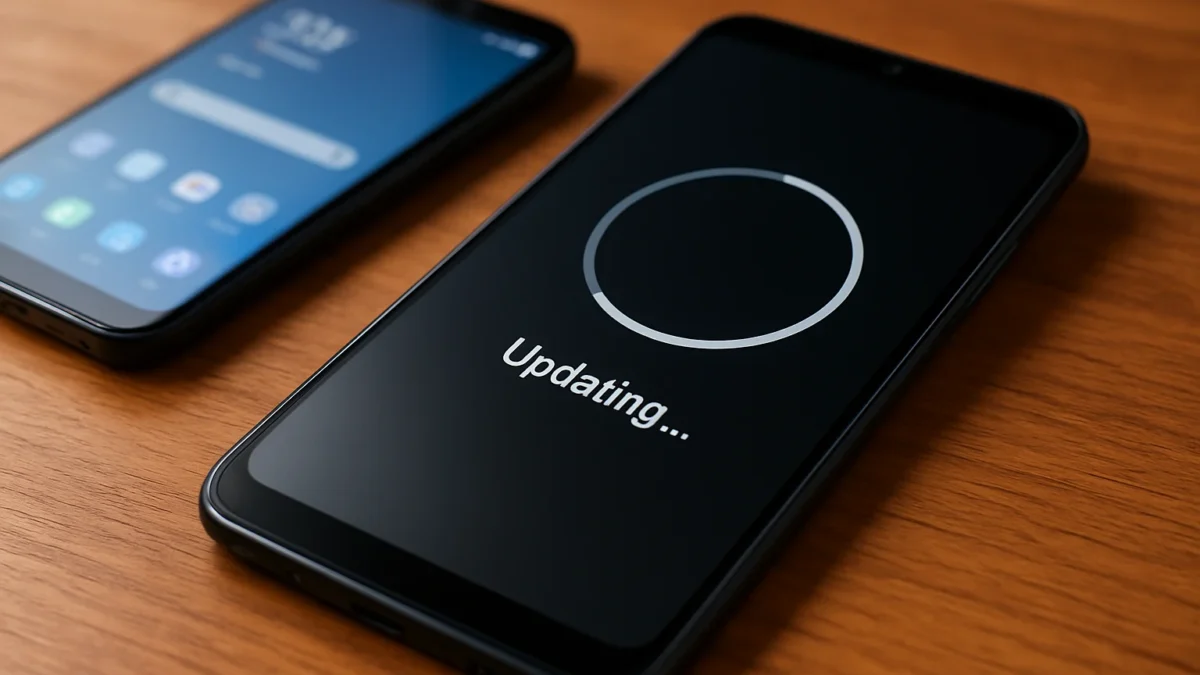
Google released the November 2026 Google Play System update as a behind-the-scenes set of Play Services, Play Store and system-service patches that improve security, some app behaviours, and new small features. Samsung users may see two separate update paths depending on One UI version — check Settings → Security & privacy → System & updates to install on Indian devices.
Key takeaways
- November 2026 Play System is a monthly Google update that patches security and updates core services.
- Some changes are feature tweaks in Play Services and Play Store; most are security fixes from Android's bulletin.
- Samsung phones can receive Play updates via two Settings paths depending on One UI build.
- To check and install: use Settings → Security & privacy → System & updates → Google Play system update (Pixel/Samsung).
- If update status looks wrong, clear Play Store/Play Services cache and check again; official details remain limited.
In this article
What happened
Google rolled out the November 2026 Google Play System update — a monthly package of background updates that include Google Play services, the Play Store, and other system services that Google can push outside a full Android OS release. These updates deliver security fixes, behind-the-scenes behaviour changes and occasional small features without a full firmware update. ([source.android.com](https://source.android.com/docs/security/bulletin/2026/2026-11-01/?utm_source=openai))
Key details
| Fact | Detail |
|---|---|
| Release window | Early November 2026 (builds and rollout noted around Nov 1–6, 2026). |
| What it updates | Google Play Services, Play Store, System Services and Play System security patches. |
| Device scope | Most Android phones (Android 10+) get parts of it; OEM rollout timing varies, especially on Samsung. |
| Known notes | Google’s Android security bulletin lists the November security fixes; Play Services release notes list service updates. OEMs may delay approval. ([source.android.com](https://source.android.com/docs/security/bulletin/2026/2026-11-01/?utm_source=openai)) |
What changes for you
Most users will see small practical effects: tighter security, bug fixes for core Google-managed features (sign-in, app install flows, Play Protect behaviours) and occasional minor feature improvements pushed through Play Services or the Play Store. These are not full Android version upgrades; they are behind-the-scenes updates that can still matter for app stability and safety. ([support.google.com](https://support.google.com/product-documentation/answer/14343500?hl=EN&utm_source=openai))
Security & privacy
- Android’s November security bulletin contains patches that are distributed both as OS patches and as Play System fixes for some devices. Keep both the Android security patch and the Play System date current. ([source.android.com](https://source.android.com/docs/security/bulletin/2026/2026-11-01/?utm_source=openai))
- Play System updates often include Play Protect tuning and component hardening that reduce risks from malicious apps.
Features and behaviour
- Play Services may add small features or backend services (reports from this month note Play Services/Play Store version bumps and some new component behaviours). Google’s public play-services release notes list incremental changes rather than big UI features. ([sammyguru.com](https://sammyguru.com/november-2026-google-play-system-updates/?utm_source=openai))
- Some users (especially Pixels) occasionally notice post-update slow boots or UI quirks; these are usually fixed quickly. If you see issues, reboot and re-check updates. ([androidcentral.com](https://www.androidcentral.com/phones/google-pixel/two-generations-of-google-pixel-flagships-seem-sluggish-after-update?utm_source=openai))
Why some Samsung phones show two update paths
Samsung devices are showing two ways to receive Google Play System updates: a dedicated Google Play System menu under Security & privacy → System & updates, and the separate One UI/Software update flow for Samsung-validated packages. Samsung tests and signs certain Play components against One UI, so older One UI or carrier builds can show a different path or delayed date. In short, Google issues the update but Samsung’s validation and distribution can create two visible paths. ([samsung.gadgethacks.com](https://samsung.gadgethacks.com/news/how-to-update-google-play-system-on-samsung-galaxy-guide/?utm_source=openai))
How to use or get it (India-specific steps)
- Connect to Wi‑Fi and ensure battery >50% (or keep the charger connected).
- Open Settings → Security & privacy → System & updates → Google Play system update → Tap Check for update. Install if available, then restart. (This path works on Pixel and most recent Android phones.) ([support.google.com](https://support.google.com/pixelphone/answer/2824802?hl=en&utm_source=openai))
- On Samsung phones, also check Settings → Security & privacy → Updates → Google Play system update, and separately Settings → Software update → Download & install for One UI-signed packages. If one path shows an older date, check both. ([samsung.gadgethacks.com](https://samsung.gadgethacks.com/news/how-to-update-google-play-system-on-samsung-galaxy-guide/?utm_source=openai))
- If the update fails or the date looks wrong: go to Settings → Apps → See all apps → Google Play Store and Google Play Services → Storage & cache → Clear cache (and try Clear storage only if required), reboot, and try the check again. This often fixes stalled installs. ([support.google.com](https://support.google.com/pixelphone/thread/476440460/my-google-play-system-update-downloads-and-installs-then-after-restart-it-s-gone?hl=en-gb&utm_source=openai))
- If your phone still shows an old Play System date after several days, it may be awaiting OEM approval — contact your phone maker’s support (Samsung/OnePlus/realme service) or your carrier for India-specific rollout timing. ([r1.community.samsung.com](https://r1.community.samsung.com/t5/galaxy-s/google-play-system-update/m-p/39943686?utm_source=openai))
What we still do not know
Google and OEMs publish only limited public notes for Play System updates. Exact technical details for many of the component fixes and any India-specific rollout schedule are not fully documented by Google or Samsung publicly, so we cannot confirm per-model rollout timing or every change’s inner workings. When OEMs delay approval, some phones will show older Play System dates until the vendor signs the build. ([source.android.com](https://source.android.com/docs/security/bulletin/2026/2026-11-01/?utm_source=openai))
Short checklist: check both Play System and Software update screens, clear Play caches if an update fails, and wait a few days if your OEM needs to sign the build.
Install the November Play System update if it’s available for your phone — it improves security and core services. Samsung users should check both the Google Play System and Software update menus. If an update stalls or the date looks wrong, clear Play Store/Play Services caches and contact your OEM support.
Frequently asked questions
How do I check Google Play System update on my Pixel?
Open Settings → Security & privacy → System & updates → Google Play system update. Tap Check for update, install if shown and restart. Also check About phone → Android version for the Play System date. ([support.google.com](https://support.google.com/pixelphone/answer/2824802?hl=en&utm_source=openai))
Why does my Samsung phone show a different Play System date?
Samsung validates and signs many component updates for One UI. That can create two visible paths and cause a Play System date to lag until Samsung’s build is cleared. Check both the Play System menu and Software update screen. ([shattered.io](https://shattered.io/samsung-galaxy-google-play-system-update-two-menu-paths-2026/?utm_source=openai))
Is the November update a full Android upgrade?
No. Google Play System updates patch Play Services, Play Store and system components independently of a full Android OS upgrade. They deliver security fixes and small feature changes without changing your Android version. ([source.android.com](https://source.android.com/docs/security/bulletin/2026/2026-11-01/?utm_source=openai))
My phone shows an older Play System date after updating — what should I do?
Clear cache/storage for Google Play Store and Google Play Services, reboot, then re-check the Play System update. If it still shows an old date, the OEM may be delaying the signed build — contact vendor support. ([support.google.com](https://support.google.com/pixelphone/thread/476440460/my-google-play-system-update-downloads-and-installs-then-after-restart-it-s-gone?hl=en-gb&utm_source=openai))
Are there India-specific steps or cautions?
Follow the same Settings paths used globally. For carrier-locked phones or some Samsung models sold in India, OEM signing can delay rollout — use manufacturer support channels in India if updates lag. Ensure you use trusted Wi‑Fi and have sufficient battery before installing.
Sources
- Android Security Bulletin—November 2026 | Android Open Source Project
- Google System Services Release Notes – Help
- Google details its November 2026 Play System updates
- Two generations of Google Pixel flagships seem sluggish after update
- How to Update Google Play System on Samsung Galaxy: Guide
- Manage security & privacy settings on your Pixel phone – Pixel Phone Help
- My Google play system update downloads and installs then after restart it's gone – Google Pixel Community