How to spot fake shopping websites (India) — quick checks
Practical India-focused guide to spot fake shopping websites. Quick URL, payment, GST and UPI checks, cloned marketplace signs, and step-by-step actions if targeted.

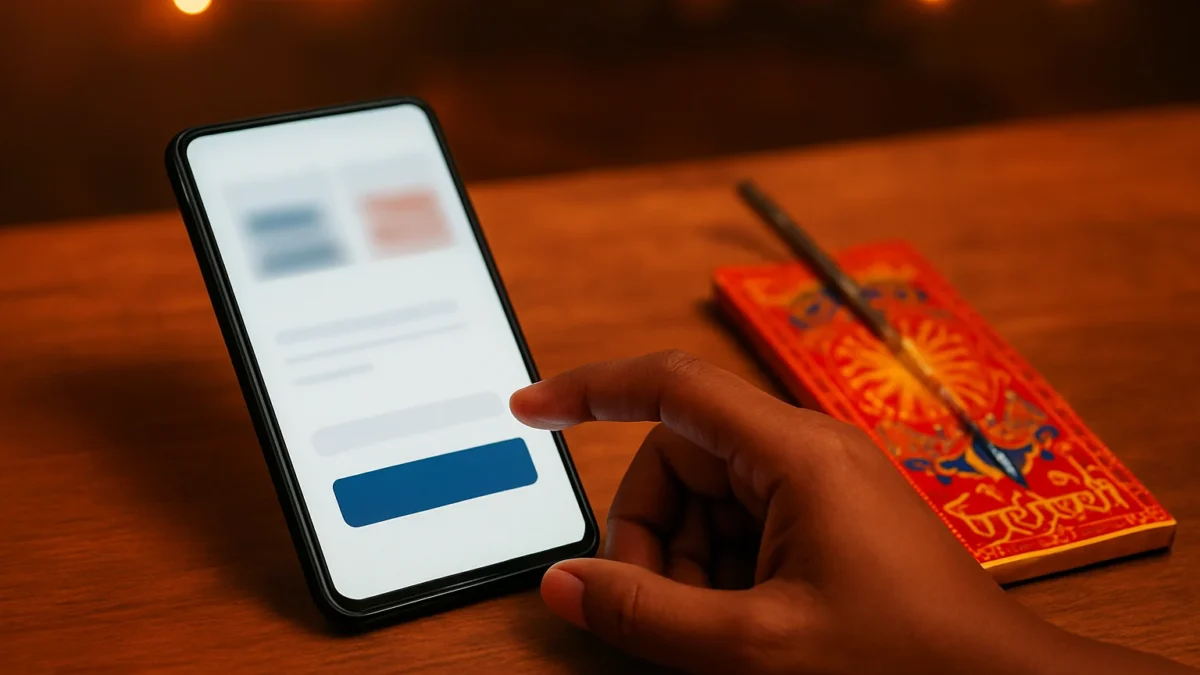
Check the URL and SSL, verify seller GST and contact details, avoid unknown UPI collect requests, look for inconsistent prices and cloned marketplace signs, and report immediately to 1930 or cybercrime.gov.in if you lose money.
Key takeaways
- Always check URL, padlock and seller GST before paying.
- Treat UPI collect requests and unfamiliar QR codes as high risk.
- Cloned marketplaces copy logos and listings — verify via the official app.
- Report fast: call 1930, file at cybercrime.gov.in, and inform your bank.
In this article
How the scam works
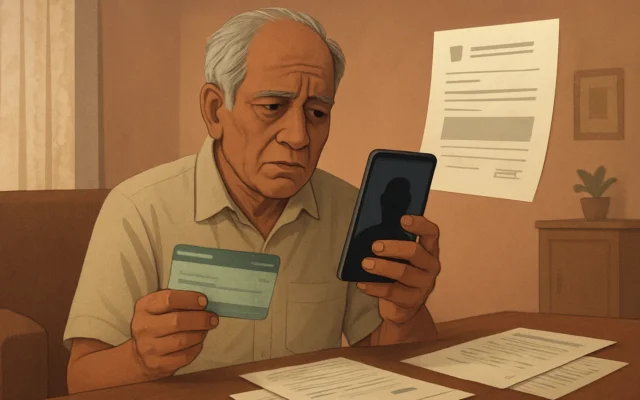
Scammers set up a believable-looking online shop or an advert that promises deep Diwali discounts. You click a link (from WhatsApp, social media or search result), reach a site that looks real and add products to cart. At checkout the site pushes a quick-pay option — a UPI collect request, QR scan, or even card form that forwards your card details to the attacker. If you accept a bogus UPI collect or scan a fraudulent QR, money moves instantly. If you enter card or netbanking details on a fake checkout, attackers use them or phish OTPs to drain accounts.
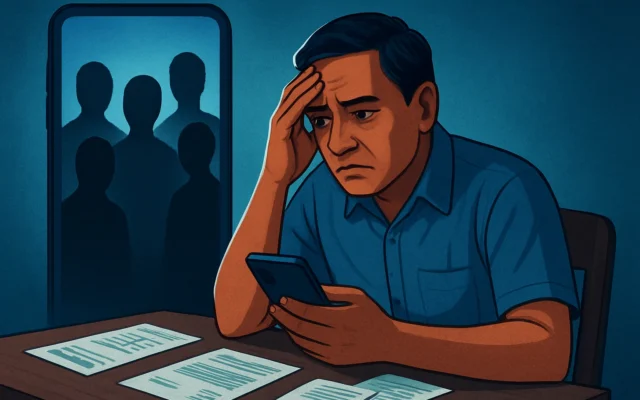
Many victims only notice after receiving a bank alert or when an ordered product never ships. During festival seasons scammers increase spoof ads and cloned listings to prey on rush and fear of sold-out stock.
Red flags to spot
- URL and SSL: domain mismatch (amazon-offer[.]in vs amazon[.]in), odd subdomains (login.payments.example[.]com), or no HTTPS padlock. Padlock alone isn’t proof — check domain name carefully.
- Too-good pricing: massive discounts that don’t match market rates or the brand’s official sale patterns.
- Seller details missing: no address, phone, GSTIN or copy-paste product descriptions with poor grammar.
- UPI/collect red flags: a request from an unknown UPI ID, insistence on UPI collect instead of the platform checkout, or asking you to approve a collect while customer support is “verifying” OTPs.
- QR code pressures: messages urging “scan now” with countdowns — scammers use fake QR codes that route payments to their accounts.
- Cloned marketplace signs: landing pages that mimic Flipkart/Amazon logos but ask you to pay outside the app, or seller pages with identical product images and different prices.
- Fake reviews: many 5-star reviews with generic short text, reviewer names without profiles, or reviews copied across products.
- Unusual payment flows: redirects to unfamiliar payment pages, requests for card details by email/WhatsApp, or asking you to share OTPs or banking PIN.
Also read: Digital arrest scam: Spot fake ED / cyber-official calls fast
What to do if you have been targeted
- Stop any further interaction. Don’t share more details or enter OTPs. If a UPI collect is pending, decline it in your UPI app immediately.
- Inform your bank now. Call the bank’s customer-care number and block the card or UPI app. Ask them to stop or reverse suspected transactions and to initiate a dispute/chargeback where possible.
- Report to the National Cyber Crime Helpline — call 1930. This helpline is dedicated to cyber financial frauds. Be ready with screenshots, the scammer’s UPI ID/QR, transaction IDs and the merchant page you used. Call 1930 immediately to get guidance and flag the fraud to authorities.
- File an online complaint at cybercrime.gov.in. Use the financial fraud category and upload evidence (screenshots, chat logs, payment receipts). This creates an official record and helps law enforcement trace accounts.
- Visit your local police station. If money was lost, file an FIR with copies of bank acknowledgements and the cybercrime report. Local police sometimes coordinate with banks and cyber cells for quick action.
- Follow up for chargebacks. For card payments or wallet debits ask your bank to start a chargeback or dispute. For UPI transfers, banks may attempt reversal if you report quickly and provide transaction details.
- Remove saved credentials. Change passwords for any account that used the same password, and revoke app permissions if you installed any unknown app from the scam site.
How to stay safe
Quick URL, payment and GST checks
- Always type the merchant site into your browser or use the official app. Don’t rely on search ads or forwarded links during festival rush.
- Check the full domain name, not just the visible brand words. Scammers use lookalike domains and Unicode tricks.
- Look for a GSTIN on seller pages. You can verify a GSTIN on the official GST portal (search the GSTIN for a matching business name). Lack of GST information on a high-value seller is suspicious.
- Prefer card payments through the marketplace or official payment gateway. Avoid sharing card details on unfamiliar webforms or on WhatsApp/email.
UPI and QR tips
- Avoid approving UPI collect requests from unknown IDs. When in doubt, cancel and request the seller to share the merchant’s official checkout link or invoice.
- Verify the UPI ID — merchant IDs usually match the brand name and have a verified presence on the official app. If the ID looks like a personal name (eg. deepak123@bank), treat it as risky.
- Don’t scan QR codes sent over chat unless you recognise the sender and can confirm the payee name shown in your UPI app before authorising.
Spotting cloned marketplaces and fake reviews
- Open the marketplace app (Flipkart/Amazon) and search the product directly. If the same listing and price don’t appear there, the ad may be a clone.
- Check seller profile on the official marketplace: number of ratings, detailed seller address and return policy.
- Be sceptical of reviews that are short, repetitive or uploaded at the same time — they often indicate paid or fake reviews.
Final practical checklist before you pay
- Did you reach here by a typed domain or the official app? (Yes/No)
- Does the domain exactly match the brand’s official domain? (Yes/No)
- Is a GSTIN shown and verifiable? (Yes/No)
- Is the payment requested inside the platform’s checkout (not via UPI collect or WhatsApp)? (Yes/No)
If any answer is No, stop and verify. For immediate fraud help call 1930 and file at cybercrime.gov.in.
If you shop online, always use official apps and marketplaces and double-check seller GST and payment flows. If you already lost money, call 1930, report at cybercrime.gov.in and inform your bank immediately for a possible reversal.
Frequently asked questions
How quickly should I call the bank after a suspicious UPI or card transaction?
Call your bank right away — within minutes if possible. Fast reporting increases the chance of blocking or reversing the transaction. Keep transaction IDs, screenshots and the UPI collect or QR details ready.
Can I reverse a UPI payment sent to a scammer?
UPI transfers are usually immediate and final, but banks can attempt a reversal if you report quickly and provide evidence. File a complaint with your bank and also report the incident at cybercrime.gov.in to create an official record.
How can I verify a seller’s GSTIN?
A genuine seller should show a GSTIN on their site or invoice. You can check the GSTIN on the official GST portal by entering the number and confirming the business name matches the seller’s details.
Is the HTTPS padlock enough to trust a website?
No. HTTPS only means the connection is encrypted. Scammers can also get SSL certificates. Always check the exact domain name, seller details and payment flow before trusting a site.
Where do I report fake shopping websites and Diwali discount scams in India?
For cyber financial fraud call the National Cyber Crime Helpline at 1930 and file a complaint on the National Cybercrime Reporting Portal at cybercrime.gov.in. Also inform your bank and local police if money was lost.