How to avoid or block Instagram unskippable ads (Android & iPhone)
Practical, platform-safe steps to reduce Instagram unskippable ads on Android and iPhone — in-app settings, reporting, account controls and low-data workarounds.

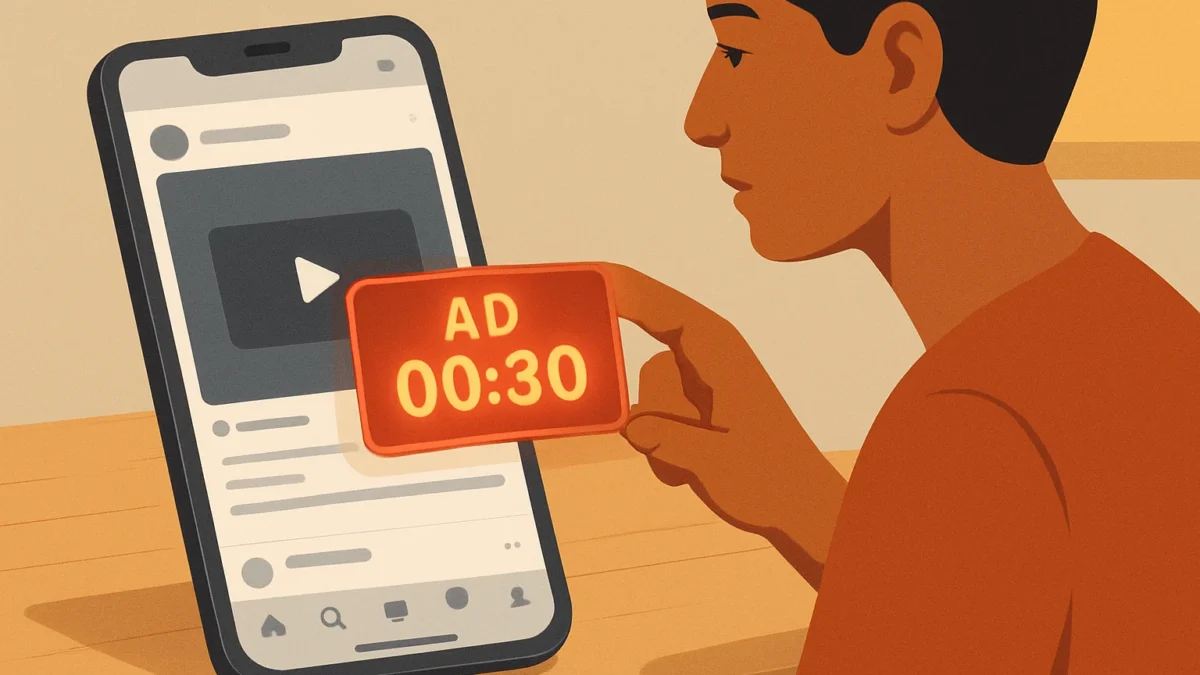
You can’t fully block Instagram’s unskippable ad tests, but you can reduce interruptions by using in-app controls (Hide Ad, Report), changing Meta ad settings, limiting personalised ads, controlling followed accounts, and smart low-data workarounds like preloading content or using offline viewing to avoid forced ad breaks.
Key takeaways
- Unskippable ad tests exist but aren’t global; you can’t permanently block them inside the official app.
- Use in-app Hide/Report, limit personalised ads in Meta settings, and mute or unfollow ad-heavy accounts.
- Low-data workarounds (airplane mode, offline viewing) help reduce interruptions for short sessions.
- For persistent problems, report to Instagram and reduce app usage or switch to web browsing.
In this article
Who this is for and what you’ll need
This guide is for Android and iPhone users in India who want fewer forced, unskippable ads on Instagram. You’ll need the latest Instagram app installed (open the Play Store or App Store to update), your Instagram login, and a few minutes to change settings. This article sticks to platform-safe, non-technical steps—no third‑party ad blockers or hacks.
Instagram has been testing short unskippable ad breaks in some regions; that means options are limited but still helpful. ([techcrunch.com](https://techcrunch.com/2024/06/03/instagram-confirms-test-of-unskippable-ads/?trk=article-ssr-frontend-pulse_little-text-block&utm_source=openai))
Step-by-step
- Update Instagram — Open Play Store (Android) or App Store (iPhone) and update Instagram. Tests and fixes often arrive via app updates.
- Hide or mute an ad when you see it — Tap the three dots on the ad and choose Hide Ad or Not Interested. This tells Instagram to show fewer similar ads and is the fastest immediate action.
- Report the ad type — From the three-dot menu pick Report Ad → It’s inappropriate or Other, then explain it’s an unskippable interruption. Frequent reports help surface issues to Instagram’s review team. ([searchengineland.com](https://searchengineland.com/instagram-unskippable-video-ads-feed-test-442856?utm_source=openai))
- Limit personalised ads in Meta settings — Open Instagram Settings → Ads → Ad Topics/Ad Preferences and switch off personalised ad topics where available. Also visit Meta account ad settings (via Facebook settings) to reduce targeted ads; this can lower the number of high-priority ad placements you see.
- Pause activity-based ad signals — In Instagram Settings → Security → Data and History, clear search and watch history regularly. Less personalised data may lead to fewer disruptive ad placements.
- Unfollow or mute ad-heavy accounts — If specific accounts or creators trigger frequent sponsored content, mute posts/stories or unfollow. That shrinks your feed signals and can reduce ad density.
- Use Instagram’s low-data or Lite option (if available) — Some regions get a lighter Instagram experience or a data saver setting (Settings → Account or Ads). Turn on data saver to prioritise images and reduce video preloads that trigger ad breaks.
- Use Airplane Mode for short checks — If you’ve preloaded a feed or saved posts, switch to airplane mode to view cached content without new ads. This works best for image posts and short sessions—Reels and live content usually need a connection.
- Switch to Instagram Web for browsing — Open Instagram in a mobile browser (Chrome/Safari). The web interface sometimes shows fewer forced ad break experiences than the app, but functionality differs.
- Report problems to Instagram and your app store — Use in-app Help → Report a Problem and leave detailed feedback. If the ads become disruptive, add feedback in the Play Store/App Store review to increase visibility.
Note: Instagram’s unskippable ad tests vary by account and region; the company has said it’s testing and may change the feature. ([thevergenews.pages.dev](https://thevergenews.pages.dev/2024/6/3/24170682/instagram-unskippable-ads-test/?utm_source=openai))
Also read: Transfer WhatsApp chats between Android and iPhone without losing media
Android vs iPhone differences
- App updates: Android updates may arrive via Play Store while iPhone users rely on App Store—install updates as soon as available.
- Data saver and background limits: Android has system-level data saver and background-restriction options that can prevent large ad videos from preloading; on iPhone use Low Data Mode in Settings → Cellular → Cellular Data Options.
- Browser experience: Mobile browsers behave similarly on both platforms, but iPhone Safari sometimes limits autoplay video more strictly, reducing forced ad playbacks.
Common problems and fixes
Ads still interrupt feed after Hide/Report
Try clearing app cache (Android: Settings → Apps → Instagram → Storage → Clear Cache). On iPhone, sign out and sign in again. Also check Meta ad preferences—reducing personalisation takes a few days to take effect.
Airplane mode didn’t stop a video ad
Video content usually needs a live connection. For reliable offline viewing, save posts beforehand (bookmark/save icon). Avoid opening Reels while offline unless already loaded.
Reporting seems ineffective
Be specific when reporting: select Report a Problem → Include screenshot and mention unskippable ad timing and region. Multiple, consistent reports from different accounts help investigations. ([searchengineland.com](https://searchengineland.com/instagram-unskippable-video-ads-feed-test-442856?utm_source=openai))
Tips to reduce ad fatigue
- Set short usage blocks—open Instagram only for 5–10 minutes to avoid encountering ad breaks repeatedly.
- Follow creators who post fewer sponsored posts, or move conversations to messaging apps where ads don’t appear.
- Use Do Not Disturb with screen-off breaks to reduce impulse scrolling when you expect lots of ads.
- Keep app and phone OS updated—many ad-related experiments are controlled by app versions and server-side tests.
| Problem | Quick fix | When to escalate |
|---|---|---|
| Frequent unskippable short ads | Hide/Report and limit personalised ads | If it blocks core use, report to Help and Play/App Store |
| Ad plays even offline | Close app, clear cache, reopen in airplane mode only after preloading | If reproducible, send logs via Report a Problem |
Remember: Instagram tests features across accounts and regions. Some users see unskippable ad breaks more than others, and large-scale rollout decisions are controlled by Instagram. If you rely on Instagram for work or frequent short checks, consider using desktop/web or limiting mobile sessions until the feature changes. ([piunikaweb.com](https://piunikaweb.com/2026/04/13/instagram-seemingly-ramps-up-unskippable-ads-test-with-ad-break-timer/?utm_source=openai))
You can’t fully stop Instagram’s unskippable ad tests inside the official app, but these platform-safe steps will reduce interruptions for most users. Try the in-app Hide/Report flow, limit personalised ads, and use offline/low-data workarounds. If ads remain disruptive, use Instagram Web or cut short mobile sessions and keep reporting the issue.
Frequently asked questions
Are Instagram unskippable ads legal in India?
Yes. Platforms can test different ad formats; Indian advertising rules still apply to ad content. If an ad breaches local laws or contains misleading claims, you can report it to Instagram and report to authorities if needed.
Will paying for Instagram remove unskippable ads?
Instagram does not offer a universal paid ad‑free subscription in India as of now. If Meta launches a paid plan later, details would be official and region-dependent. For now, platform settings and reduced usage are the practical options.
Do ad preferences really reduce unskippable ads?
Limiting personalised ads and clearing activity reduces targeted placements and can lower the chance you get high‑priority ad types, but it won’t guarantee complete removal of test ad breaks.
Is using airplane mode to avoid ads allowed?
Yes — switching to airplane mode while viewing preloaded posts is a personal workaround. It’s not a fix for all content (videos and Reels need internet) but is safe and within app rules.
Should I uninstall Instagram if I keep getting unskippable ads?
Uninstalling stops the interruptions but also cuts off the app entirely. Consider switching to Instagram Web, reducing follow list, or setting strict time limits before taking that step.