How to raise UPI complaint in India: step-by-step guide
Practical step-by-step guide to raise a UPI complaint in India, with copy-paste message templates, exact app menus, NPCI & bank contact points and expected timelines for refunds.

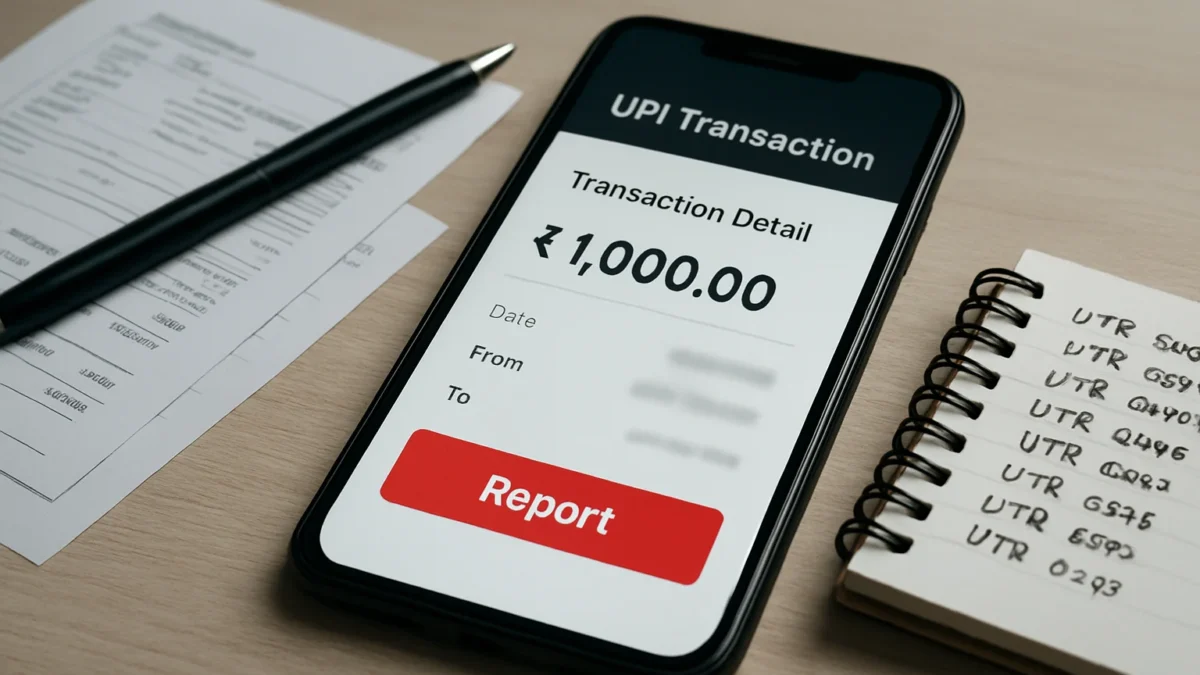
Report the issue first inside the UPI app (History → select transaction → Help/Contact Support). If unresolved, contact your bank’s UPI grievance channel with transaction details, then escalate to NPCI or the RBI Ombudsman after the bank’s timeline (usually 30 days). Use the ready-to-copy message templates below and keep screenshots and the UTR/UPI reference handy.
Key takeaways
- Always raise an in-app complaint from the transaction’s detail screen first.
- Contact your bank’s UPI grievance team with UTR/Ref ID and screenshots if app support doesn’t resolve quickly.
- NPCI’s UPI_HELP / NPCI contact is the next escalation; RBI Ombudsman is for unresolved cases after prescribed timelines.
- Keep screenshots, bank statements, UPI reference (UTR), merchant QR or VPA — these speed up refunds.
- Typical auto-reversal window is T+5 days; follow escalation steps faster for suspected fraud.
In this article
Who this guide is for and what you need
This step-by-step guide is for anyone in India who has a failed, pending or fraudulent UPI transaction — for example money debited but the receiver didn’t get it, a wrong transfer or a merchant payment gone missing. You’ll need: the transaction screenshot, the UPI reference/UTR or transaction ID, the mobile number linked to your bank account, the bank name and the name of the UPI app you used.
Step-by-step
- Open the UPI app and find the transaction. Go to History/Transactions in the app (Google Pay: Profile → Help & Feedback → Transaction Issues; PhonePe: Home → History → select transaction → Contact PhonePe Support; Paytm: Profile → Help & Support → Payments → choose transaction).
- Tap the transaction and choose the correct issue. Pick the option that matches your problem (“Money debited but not received”, “Payment failed but amount debited”, “Unrecognised/unauthorised debit”, or “Payment to wrong UPI ID”).
- Raise an in-app complaint (UDIR/Dispute). Submit the in-app form. Attach screenshots, enter the UPI reference/UTR and add a short clear description. Keep the ticket ID or reference the app gives you.
- Call your bank’s UPI grievance/support line. Use the bank’s UPI support number (not general call centre) or their web grievance form. Give them: date/time, amount, UPI ref/UTR, payer and payee VPAs, and screenshots. Ask for a complaint ID and expected TAT.
- Follow NPCI’s UPI_HELP if the app/bank is slow. If the app or bank can’t resolve, raise the complaint with NPCI / UPI_HELP (use NPCI contact form/chat or email as available). Quote the app ticket ID and bank complaint ID so NPCI can link records.
- Track timelines and request a status update. Note the date you lodged each complaint. Banks and NPCI generally acknowledge and process UPI disputes according to prescribed timelines — ask for TAT and check status daily through the ticket IDs.
- Escalate to the bank’s nodal officer or Internal Ombudsman. If you don’t get a satisfactory response within the bank’s timeline (many banks aim to resolve within 15–30 days for complex UPI disputes; immediate auto-reversals often happen within T+5 days), escalate to the bank’s nodal officer or the Internal Ombudsman.
- File with the RBI Integrated Ombudsman if unresolved. If the bank’s final reply is unsatisfactory or you receive no reply within timelines specified by RBI/NPCI, file a complaint on the RBI CMS (RBI portal) or approach the RBI Integrated Ombudsman within the statutory window. Keep all IDs and communications ready.
Copy-paste message templates
Use these exact messages for app chat, bank email or NPCI contact forms. Replace items in square brackets.
Short complaint (in-app or bank email):
“UPI complaint: On [DD MMM YYYY] at [HH:MM], ₹[amount] was debited from my account ([last 4 digits]) via [app name]. UPI reference/UTR: [UTR]. Status shown: [pending/failed/success]. Recipient VPA/name: [vpa/name]. I request urgent reversal or status update. Screenshots attached. Complaint ID (app): [app-ticket].”If you suspect fraud:
“I suspect an unauthorised UPI debit of ₹[amount] on [date/time]. I did not authorise this. Please block further UPI transactions on my account, investigate, and initiate a chargeback. UTR: [UTR]. Contact: [mobile].”
Also read: How to link RuPay credit card to UPI (step-by-step guide)
Common problems and fixes
- Money debited but transaction shows pending: Raise an in-app dispute immediately and call your bank’s UPI support. Many pending cases auto-resolve, but a bank/UCC escalation helps if it stays pending beyond 24–48 hours.
- Wrong UPI ID transfer (sender error): Act fast: message the recipient using the app, call your bank to block or trace the VPA, and raise a complaint. Banks will try a chargeback but success isn’t guaranteed — quick action helps.
- Merchant payment but service not delivered: Raise the dispute in-app under P2M/merchant issue. Provide merchant receipt, QR code image and order details. NPCI and app may open a merchant inquiry (UDIR).
- App support keeps asking for documents: Provide transaction screenshot, bank statement showing the debit, and a photo ID if requested. Do not share your UPI PIN, OTP or full bank login details.
Tips to get a faster refund
- Start in the app and use the transaction’s Contact Support button. This automatically attaches the exact transaction metadata to the complaint.
- Always ask for and note the ticket/complaint ID. Use it every time you follow up — app ticket, bank complaint ID and NPCI ID if issued.
- Keep clear screenshots. Screenshot the UPI notification, the transaction details page, and your updated bank statement showing the debit.
- Call the bank’s UPI grievance number (not general help) early. Banks have dedicated UPI teams and faster TAT for UPI disputes than general support lines. Ask for escalation to the nodal officer if needed.
- Be cautious with third-party recovery offers. Do not pay anyone who promises instant refunds — banks, NPCI and RBI don’t charge customers to investigate disputes.
Android vs iPhone differences
Menu labels are the same across platforms but locations vary: on Android, the app’s hamburger menu or bottom tabs often show History and Help; on iPhone you may find Profile → Help or Settings → Support. The key is to open the specific transaction and use the app’s Contact/Report/Help button — that sends the transaction metadata automatically.
Expected timelines and escalation ladder
Auto-reversal for clearly failed UPI transactions is typically completed by T+5 days in many cases; many apps and banks resolve simpler issues within 24–72 hours. If the bank cannot resolve your complaint within the bank/NPCI timeline, escalate: bank nodal officer → bank Internal Ombudsman → NPCI UPI_HELP → RBI Integrated Ombudsman (use RBI CMS). For statutory escalation windows and compensation rules, refer to RBI/NPCI timelines when you escalate.
Always start by raising the complaint inside the UPI app from the transaction screen, then contact your bank’s dedicated UPI grievance team with the UTR and screenshots. If you don’t get resolution within the bank/NPCI timelines, escalate to NPCI and then the RBI Integrated Ombudsman with all ticket IDs and evidence.
Frequently asked questions
How long does a UPI complaint take to get a refund?
Simple auto-reversals often happen within T+5 days. Apps or banks usually respond within 24–72 hours for straightforward cases, but complex disputes or merchant investigations can take longer. If unresolved, escalate using the ticket IDs.
Where do I find the UPI reference or UTR?
Open the transaction in your UPI app’s History or Transactions screen — the UPI reference / UTR is shown in the transaction details. Also check the SMS or bank statement message from your bank for the same reference.
Can NPCI directly refund my money?
NPCI helps co-ordinate and route disputes between apps and banks through UPI_HELP. Refunds are issued by the payer’s bank or the recipient’s bank after investigation. NPCI assists but does not credit accounts itself.
What if I sent money to a scammer’s UPI ID?
Immediately raise an in-app dispute, contact your bank’s UPI grievance team and ask them to block/trace the beneficiary. File an FIR if fraud is suspected, and escalate to NPCI and RBI if the bank does not act quickly.
Can I file a complaint directly with RBI?
You can file with RBI’s CMS/Ombudsman if the bank does not reply within the timelines set by RBI/NPCI or if you’re unhappy with the bank’s final response. Keep all prior complaint IDs and dates when filing with RBI.