WhatsApp usernames — how they work and the new phone-number privacy
Learn how WhatsApp usernames work, how to set them and the new phone-number privacy toggles — and what it means for contacts, groups and Indian users.

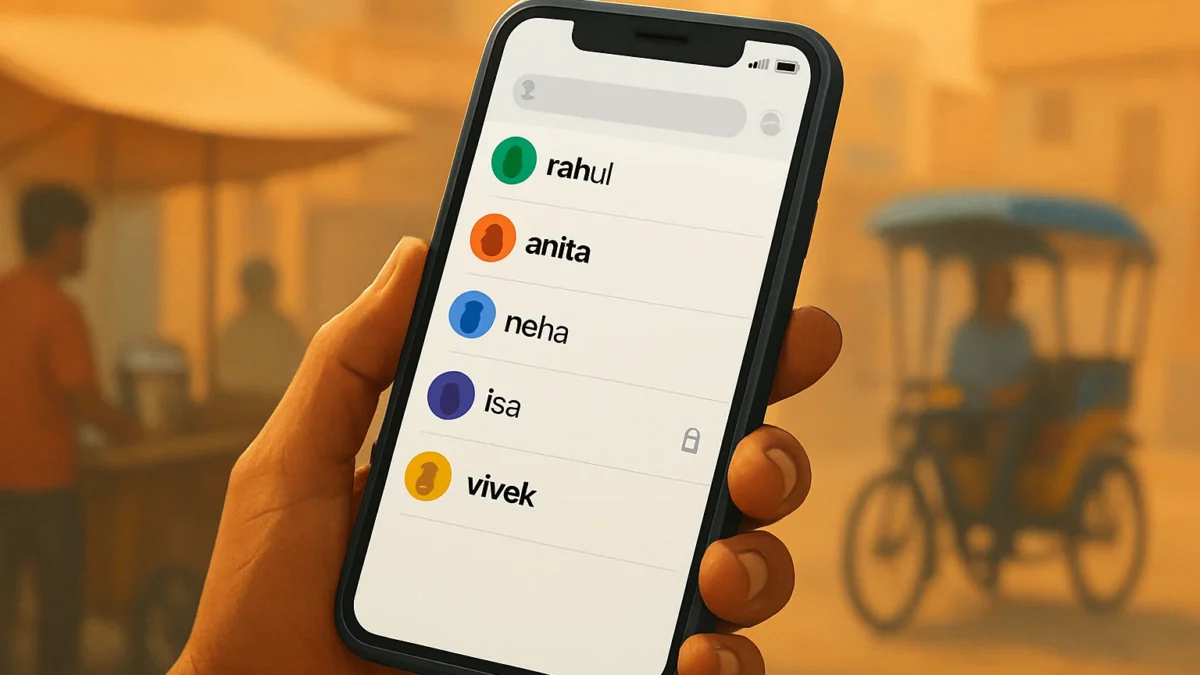
WhatsApp usernames let you be found and messaged without sharing your phone number; you can reserve or create a username in Settings and use new privacy toggles to hide your number from people who don’t have you saved. Some controls are still rolling out and businesses/groups may behave differently.
Key takeaways
- Usernames let people contact you without seeing your phone number.
- You can reserve or create a username from WhatsApp Settings (optional).
- New privacy toggles let you hide your number from non-contacts and some groups; businesses may still see it.
- India raised safety concerns; impersonation and scams remain practical risks.
- Reserve a clear username, enable privacy toggles, and be cautious sharing usernames publicly.
In this article
What happened
WhatsApp has rolled out a username system so people can be found and messaged using a handle instead of a phone number. Meta opened username reservations in June 2026 and is now testing additional phone-number privacy controls that limit who can see your number when you use a username. These changes are optional — you can keep using WhatsApp the old way with a phone number.
WhatsApp describes usernames as “an optional way to connect” that keeps your number private when you share a username instead of your phone number. ([whatsapp.com](https://www.whatsapp.com/usernames-faq/?utm_source=openai))
Key details
| Fact | Information |
|---|---|
| Date announced | Username reservations opened June 29, 2026; privacy toggles being tested in late 2026. ([about.fb.com](https://about.fb.com/news/2026/06/its-time-to-reserve-your-whatsapp-username/?utm_source=openai)) |
| Price | Free for users; no paid tiers announced. ([whatsapp.com](https://www.whatsapp.com/usernames-faq/?utm_source=openai)) |
| Availability | Rolling out globally in phases; some Android beta users see new privacy toggles. ([techcrunch.com](https://techcrunch.com/2026/06/29/whatsapp-now-lets-you-reserve-usernames/?utm_source=openai)) |
| Where it applies | One-to-one chats, finding people, and groups; businesses may have separate controls. ([faq.whatsapp.com](https://faq.whatsapp.com/626403979060997/?cms_platform=android&locale=in_ID&utm_source=openai)) |
Also read: Transfer WhatsApp chats between Android and iPhone without losing media
What changes for you
Three practical differences Indian users should note:
- Share a username, not a number. If you use a username, people who message you via that handle may not see your phone number unless you allow it. This is the core privacy benefit. ([whatsapp.com](https://www.whatsapp.com/usernames-faq/?utm_source=openai))
- Groups and contacts behaviour. By default, WhatsApp previously showed phone numbers to group members. WhatsApp is introducing controls so that users with usernames can limit number visibility in some scenarios, but full group behaviour and rollout details vary by version and are still being tested. ([wabetainfo.com](https://wabetainfo.com/whatsapp-is-testing-new-phone-number-privacy-for-usernames/?utm_source=openai))
- Businesses and verified accounts. Businesses that already have your number from earlier chats may still be able to see it. WhatsApp also allows organisations to claim usernames (for consistency with Instagram/Facebook), and verified or business accounts will have different signals. ([faq.whatsapp.com](https://faq.whatsapp.com/2535820043482794/?cms_platform=web&utm_source=openai))
How to use or get it
WhatsApp’s own help pages and recent rollout notes show the basic steps for reserving or creating a username. The exact labels may differ by app version, but the flow is:
- Open WhatsApp and go to Settings (or Account settings).
- Look for a Create username or Username option and tap it. You can reserve a username now to use later. ([faq.whatsapp.com](https://faq.whatsapp.com/2535820043482794/?cms_platform=web&utm_source=openai))
- Choose a unique handle (WhatsApp may suggest options or let verified Instagram/Facebook handles be claimed).
- After creating a username, go to Privacy or the new Phone number privacy section to control who can see your number (contacts, no one, or others) when people use your username. Note: some privacy toggles are currently in beta and may not be available to all users yet. ([wabetainfo.com](https://wabetainfo.com/whatsapp-is-testing-new-phone-number-privacy-for-usernames/?utm_source=openai))
Quick tips for Indian users
- Reserve a clear, recognisable username (avoid full phone numbers or sensitive info).
- Keep your account updated to get the privacy toggles as they reach your phone. ([faq.whatsapp.com](https://faq.whatsapp.com/2535820043482794/?cms_platform=web&utm_source=openai))
- If a username claims to be a bank, government office or service, verify by calling the official number on the organisation’s website before sharing any sensitive details. WhatsApp itself recommends calling back verified numbers if you suspect fraud. ([whatsapp.com](https://www.whatsapp.com/usernames-faq/?utm_source=openai))
What we still do not know
Several important items remain uncertain or partially confirmed:
- Exact global rollout schedule and when every user in India will see the privacy toggles — WhatsApp is doing a phased release. ([techcrunch.com](https://techcrunch.com/2026/06/29/whatsapp-now-lets-you-reserve-usernames/?utm_source=openai))
- Precise behaviour for all group scenarios — WhatsApp is testing number-hiding in some group contexts but hasn’t published a complete rulebook. ([wabetainfo.com](https://wabetainfo.com/whatsapp-is-testing-new-phone-number-privacy-for-usernames/?utm_source=openai))
- How law-enforcement, emergency services or compliance requests will interact with username-only accounts in India — WhatsApp’s public notes don’t replace legal or regulatory guidance. ([faq.whatsapp.com](https://faq.whatsapp.com/236979282604093?utm_source=openai))
- Whether WhatsApp will restrict certain usernames or require additional verification for high-risk handles — the company has said it will use safeguards but specifics are limited. ([whatsapp.com](https://www.whatsapp.com/usernames-faq/?utm_source=openai))
Context & safety note: Indian regulators and some news outlets flagged risks such as impersonation and fraud when usernames were first announced. That makes cautious use and verification especially important in India. ([techradar.com](https://www.techradar.com/computing/websites-apps/whatsapp-should-freeze-username-rollout-as-it-could-increase-cybercrimes-says-india-but-meta-claims-impersonation-isnt-an-issue?utm_source=openai))
Usernames offer a real privacy gain for people who don’t want to expose their phone number to strangers. Reserve a simple username now and enable the phone-number privacy toggles when they appear. Businesses, public figures and anyone at risk of impersonation should wait for verified-account controls and be cautious before relying only on usernames.
Frequently asked questions
How do I reserve a WhatsApp username right now?
Open WhatsApp Settings, look for Create username or Username and follow the on-screen steps to reserve a handle. Availability is rolling out; if you don’t see it, update the app and check again. ([faq.whatsapp.com](https://faq.whatsapp.com/2535820043482794/?cms_platform=web&utm_source=openai))
Will people in my WhatsApp groups still see my phone number?
WhatsApp is testing controls to limit number visibility for users who have usernames, but group behaviour varies by version. Currently, number visibility in groups is being adjusted in phases and may not be consistent for all users yet. ([wabetainfo.com](https://wabetainfo.com/whatsapp-is-testing-new-phone-number-privacy-for-usernames/?utm_source=openai))
Can businesses still see my number if I use a username?
If a business already has your phone number from prior interactions, WhatsApp’s help pages say you can’t hide the number from that business. Businesses may also have separate settings and verification. ([faq.whatsapp.com](https://faq.whatsapp.com/626403979060997/?cms_platform=android&locale=in_ID&utm_source=openai))
Are usernames mandatory on WhatsApp?
No. WhatsApp says usernames are optional — you can continue using the app with your phone number as before. Username use and privacy choices are up to each user. ([whatsapp.com](https://www.whatsapp.com/usernames-faq/?utm_source=openai))
Could usernames increase impersonation or scams in India?
Indian authorities warned that usernames might be abused for impersonation or fraud. WhatsApp says it will use safeguards, but until verification and enforcement are clear, users should verify requests and be cautious sharing usernames publicly. ([techradar.com](https://www.techradar.com/computing/websites-apps/whatsapp-should-freeze-username-rollout-as-it-could-increase-cybercrimes-says-india-but-meta-claims-impersonation-isnt-an-issue?utm_source=openai))
Sources
- WhatsApp | Answering questions about usernames
- It’s Time to Reserve Your WhatsApp Username
- WhatsApp now lets you reserve usernames | TechCrunch
- About phone number hiding | WhatsApp Help Center
- WhatsApp is testing new phone number privacy for usernames | WABetaInfo
- How to create and manage your username | WhatsApp Help Center
- Privacy at a Glance | WhatsApp Help Center