Electricity bill scam: fake SBI KYC calls and payment links
Fact-check of a viral SBI warning about electricity bill scams using fake KYC calls and payment links, plus step‑by‑step checks and reporting steps for Indian users.

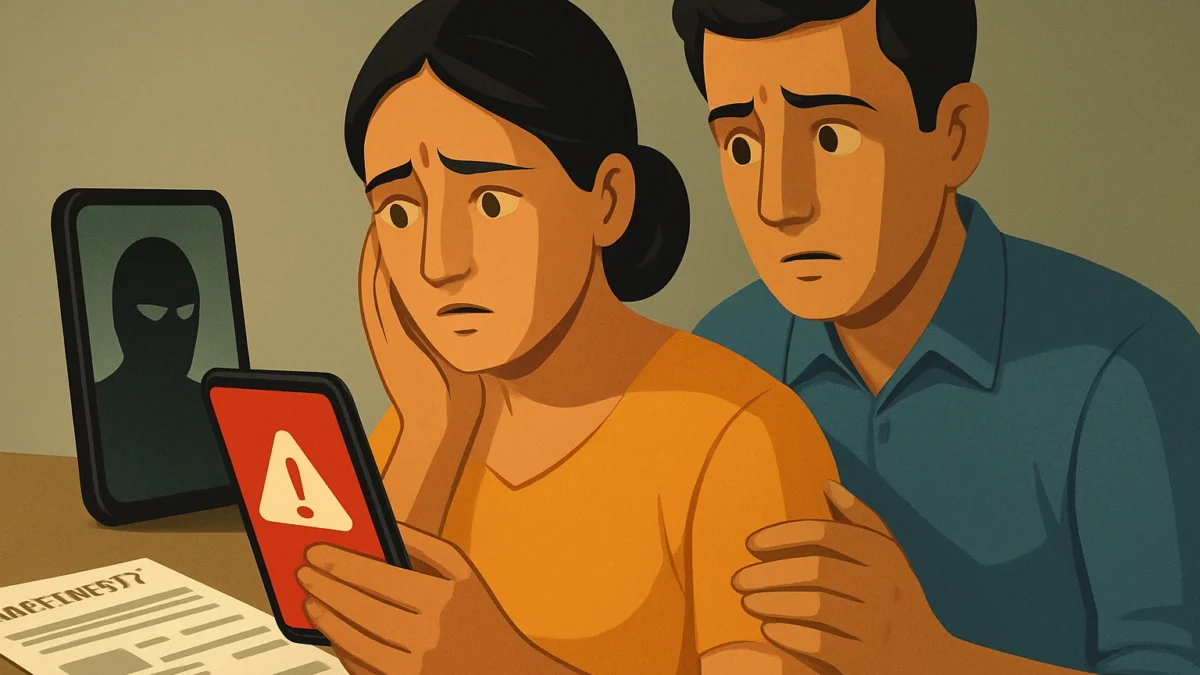
Yes — SBI has warned about a widespread electricity bill scam where fraudsters impersonate utility or bank staff, ask for KYC updates and push suspicious payment links. Do not click unknown links or share OTPs; verify by contacting your utility and bank on official numbers and report the message to cybercrime and your bank immediately.
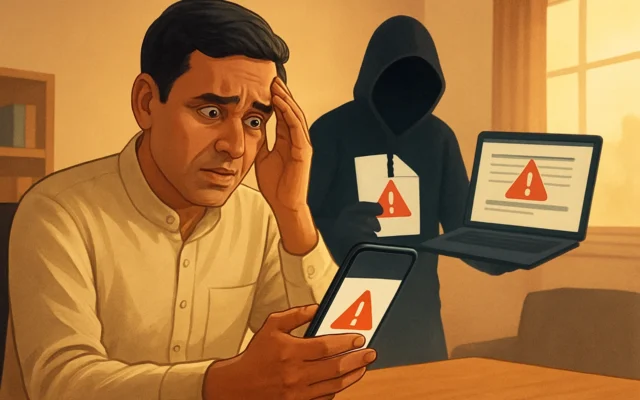
SBI warns that fraudsters are using fake KYC calls and suspicious payment links in an electricity bill scam that threatens disconnection to steal money and banking details.
Key takeaways
- SBI posted an advisory warning users about fake KYC calls, WhatsApp/SMS payment links and disconnection threats.
- Do not click payment links, share OTPs, UPI PIN, or give remote-access to callers.
- Verify by calling your DISCOM and SBI on official numbers from bill or bank site — do not call numbers sent in the message.
- If cheated, report immediately to your bank (SBI helpline), NPCI/UPI routes and the National Cyber Crime Portal.
In this article
The viral claim
A widely shared advisory says: “SBI warns of a new electricity bill scam — fraudsters call seeking KYC updates and send suspicious payment links and WhatsApp/SMS messages that threaten immediate power disconnection to steal money and banking details.”
What we found
We verified the claim against official and reputable sources. State Bank of India (SBI) has publicly posted warnings about electricity-bill related scams where fraudsters impersonate utility officials or banks, pressurise customers to “update KYC”, and push payment links or ask for OTPs and UPI PINs. Major Indian news outlets and SBI’s own social posts have covered the advisory and explained the typical fraud flow. Independent earlier cases and consumer rulings also show similar scams have been used to steal funds after small bill payments were attempted.
Evidence (summary)
- SBI posted consumer warnings on its official social channels about electricity-bill scams that use fake KYC calls and suspicious payment links. (SBI advisory cited by media.)
- Multiple reputable news outlets (Outlook Money, Mint, Moneycontrol) published reports summarising SBI’s advisory and described how fraudsters create urgency by threatening disconnection and then push links or call-centre scripts.
- Past court and consumer cases in India document how a small fake electricity bill payment has led to large unauthorised debits when users followed fraudulent payment instructions.
Also read: Digital arrest scam: Spot fake ED / cyber-official calls fast · How to stop a screen sharing scam (screen sharing scam)
Why this claim spreads
- Fear and urgency: messages threatening disconnection prompt quick action without verification.
- Social forwarding: WhatsApp/SMS templates and “helpful” forwards make the scam appear widespread and legitimate.
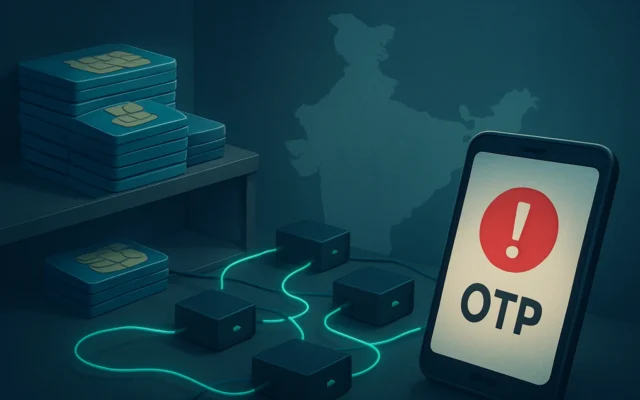
- Impersonation skills: scammers use spoofed numbers, cloned caller‑IDs, or convincing scripts that mention local DISCOM names and payment amounts.
- Recycled narratives: similar scams have been used for years (small bill → big loss) and are easily reused with local names and links.
How to verify such claims yourself (step-by-step)
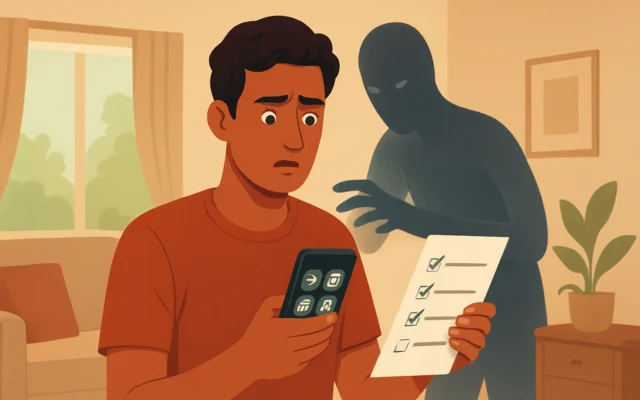
- Stop. Don’t click or call the number in the message.
Fraud messages intentionally include a contact or link to keep you within the attacker’s control.
- Check the sender and link carefully.
Look for misspellings, domain names that aren’t the official DISCOM or bank, or shortened/redirecting URLs. Official bills and DISCOM websites use company domains — not generic shorteners or unknown domains.
- Call your DISCOM on the number printed on your electricity bill or on the official DISCOM website.
If the alleged problem is genuine, your local electricity company’s official helpline will confirm it. Do not call any phone number provided inside a suspicious SMS/WhatsApp.
- Call SBI on its official customer-care helpline if the message mentions your bank.
Use numbers from the bank’s official website or your bank passbook. SBI’s widely published toll-free numbers include 1800 11 2211 and others listed on the bank’s Contact page — do not call numbers given in the suspicious message.
- Never share OTPs, UPI PIN, card CVV, net-banking password or allow remote access.
No genuine bank or DISCOM representative will ask for these. If asked to install remote‑access software, treat it as a scam.
- Check bank/SMS alerts and transaction IDs immediately.
If you see an unexpected debit, note the UPI transaction ID, Rs amount, date/time and app. These details help your bank and NPCI investigate.
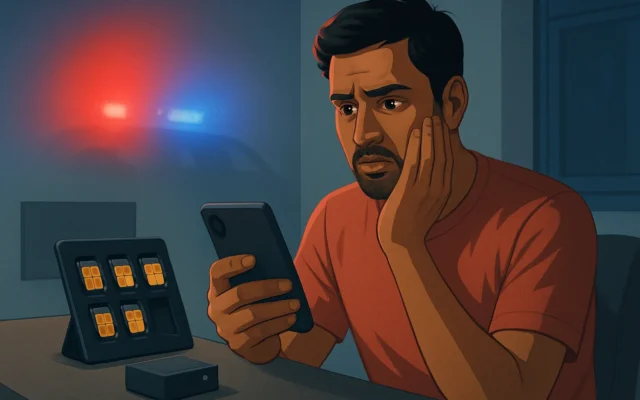
- If you clicked a link or paid, act fast — call your bank and app support NOW.
Report unauthorised transactions and request a block/chargeback. Use the UPI app’s help feature and your bank’s fraud line.
- Report the scam to authorities.
File a complaint on the National Cyber Crime Reporting Portal and register a grievance with your bank/NPCI (UPI) so a formal trail is created.
Exact actions and sample text
Who to call now (India):
- Call your electricity DISCOM helpline printed on the bill or its official website.
- Call SBI Customer Care (official numbers from bank site): 1800 11 2211 (and other published toll-free numbers).
- Use your UPI app’s in‑app help/Report Fraud option and NPCI complaint channels if payment was via UPI.
- File at the National Cyber Crime Reporting Portal (cybercrime.gov.in) for record and investigation.
Sample message to forward to your bank or police when reporting (copy and paste):
I received a suspicious SMS/WhatsApp about an electricity bill asking to update KYC/pay via this link: [paste link]. I did not call the number shown. Transaction/OTP shared? [Yes/No]. Please investigate. Details: Date, Time, UPI Txn ID (if any), Amount (if any). My account: [last 4 digits].
Final checks to trust a message
- Is the message coming from an official domain/short code used by the DISCOM or bank? If not, it’s suspicious.
- Does your physical bill or the DISCOM portal show an unpaid amount? If not, ignore the message.
- Is the message asking for OTP, UPI PIN, passwords, or to install remote software? Then it’s a scam.
Why quick reporting helps
Immediate reporting to your bank, UPI app and the National Cyber Crime Portal increases the chance of blocking or reversing fraudulent transfers. It also helps authorities block the scam numbers and protect others.
Why this matters
Scammers reuse the electricity-bill story because many users act quickly when power disconnection is threatened. Verifying with an official phone number and protecting OTPs/UPI PINs stops nearly all variants of this attack.
The advisory is accurate: SBI has warned users about electricity-bill scams that use fake KYC calls and malicious payment links. Follow the verification steps above, call official helplines (DISCOM and SBI), and report quickly if you paid or clicked a link.
Frequently asked questions
If I clicked a payment link but did not enter OTP, am I safe?
If you opened a link but did not enter OTP, PIN or install remote software you are likely safer. Still, clear browser cache, run a security scan, and monitor bank messages. Report the incident to your bank and, if in doubt, change passwords and notify the National Cyber Crime Portal.
How do I report a UPI transaction I didn’t authorise?
Immediately open your UPI app’s help section and raise a complaint, contact your bank’s fraud helpline, and use NPCI’s complaint routes. Keep the UPI transaction ID, date, time and screenshots — these are needed for a chargeback or investigation.
Can SBI or any bank ever ask for OTP or UPI PIN to ‘verify’ a payment?
No. Banks and payment apps will never ask you to share OTPs, UPI PINs, or internet-banking passwords over calls or messages. Treat any such request as fraud and refuse it.
Which number should I call to check my SBI account for fraud?
Use SBI’s official Contact/Customer Care numbers listed on the bank’s website or your passbook. Commonly published toll-free numbers include 1800 11 2211. Do not call numbers given in suspicious messages.