SIM box fraud alert: How to spot and stop SIM‑box scams
SIM box fraud warning for India. Learn how these scams work, red flags, immediate steps to protect your mobile number and templates to report to police, cybercrime.gov.in and banks.

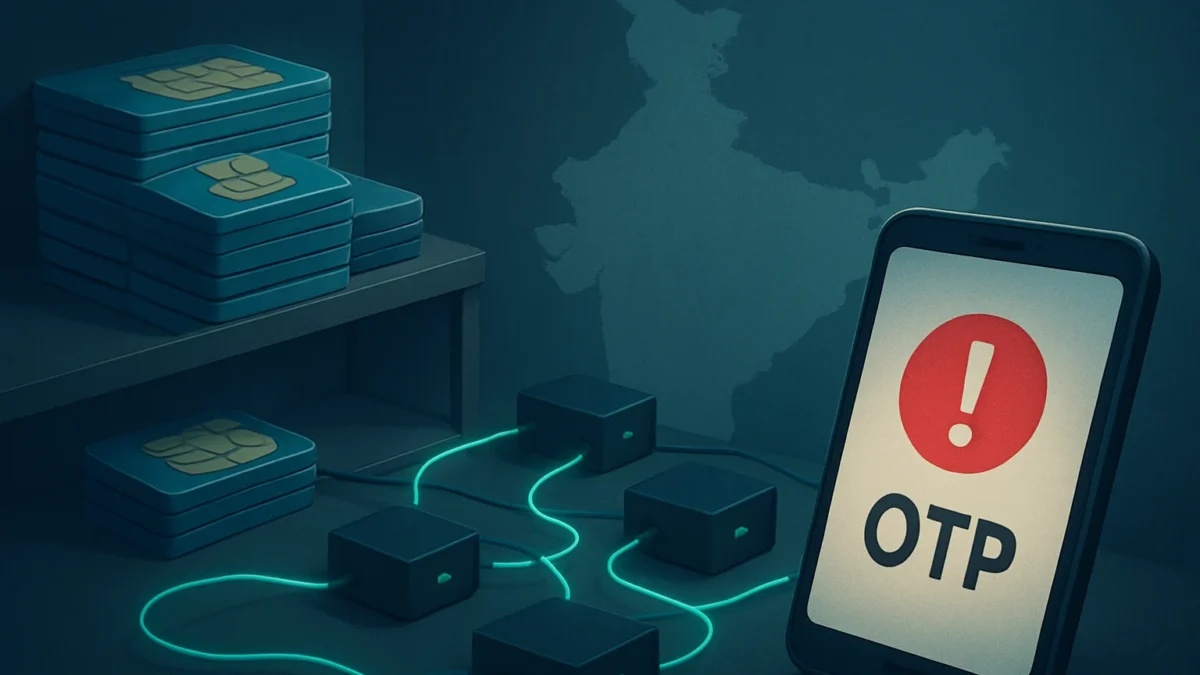
SIM‑box fraud uses devices that re‑route international/VoIP calls through local SIMs to hide caller identity and support phone scams. If you get strange calls, OTPs you didn’t request, or sudden bank alerts, act fast: contact your telecom, inform your bank, and report to the National Cyber Crime Helpline (1930) and cybercrime.gov.in.
Key takeaways
- SIM boxes convert internet/foreign calls to local calls to hide scammer origin.
- Red flags: unexpected OTPs, repeated missed calls, unknown local numbers asking details.
- If targeted: call 1930, report at cybercrime.gov.in, inform your bank and mobile operator immediately.
- Protect your number: enable carrier verification, block suspicious SMS/calls, use device security.
- Keep written reports and use the provided templates when filing police or regulator complaints.
In this article
How the scam works (step by step, as the victim experiences it)
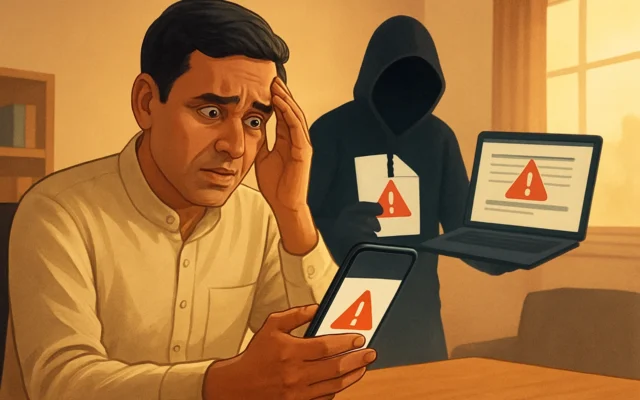
1) The contact: You get a call or WhatsApp voice/video from a number that looks local or from an unknown international-looking number. Scammers often pretend to be bank staff, police, or courier executives.
2) The hook: The caller creates urgency — a supposed failed transaction, a legal notice, or a family emergency. They ask you to confirm identity, share OTPs, or move money immediately.
3) The technical trick: Behind the scenes, organised crime groups use SIM box devices. A SIM box holds many prepaid or forged SIMs and converts internet/VoIP calls to local network calls. That makes calls appear local and masks the real origin, helping fraud teams bypass detection and call-trace barriers.
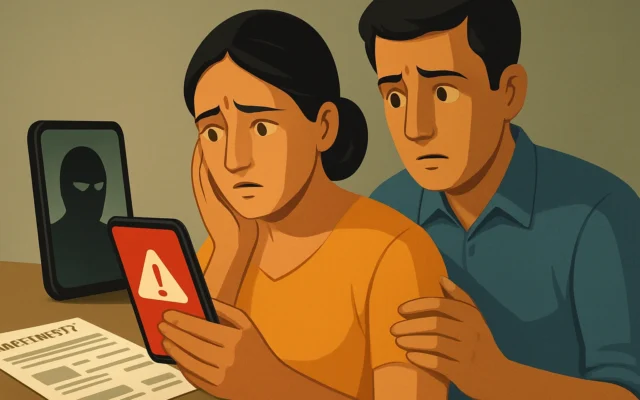
4) The delivery: The fraudster may request an OTP, ask you to install an app (that gives remote access), or insist on transferring money to a “safe” account. Because the caller ID looks local and the voice may sound convincing, victims often cooperate.
5) The aftermath: Money is moved through layered accounts, often quickly withdrawn or laundered. Victims learn only after transactions are done. The SIM box operation helps multiple scam teams keep calling new targets while avoiding telecom billing trails.
Red flags to spot
- Unexpected OTPs, even when you did not request any transaction.
- Repeated missed calls from many local numbers or short-call patterns (a common signalling technique).
- Callers who refuse a video/face verification, or who insist you share secure codes/OTP immediately.
- Numbers that claim to be police, bank, or government but ask for transfers to odd accounts or quick cash deposits.
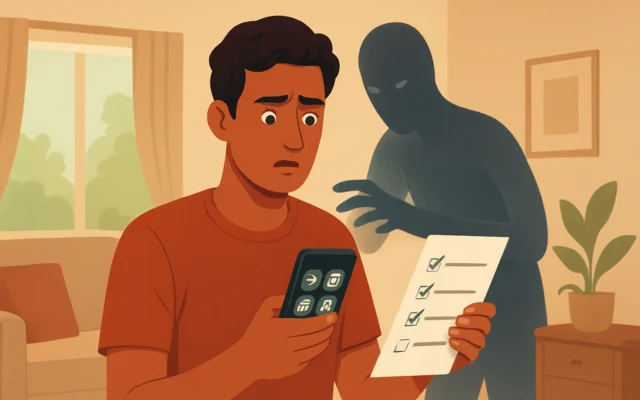
- Requests to install unknown apps or give remote access to your phone.
- Pressure to move money through multiple accounts or use UPI collect links from unknown payees.
Also read: How to Stop Voice Phishing (vishing): A 9-step India Guide · How to spot fake shopping websites (India) — quick checks
What to do if you have been targeted
Act quickly. Time is crucial because money and evidence move fast.
Immediate steps
- Do not share any more OTPs or codes. If you still have a session open, terminate the call and block the number.
- Contact your bank immediately. Ask them to stop or reverse pending transfers, freeze accounts, and watch for suspicious debits.
- Call your mobile operator. Ask them to check unusual SIM activity and block any unauthorized SIM usage. Request a change of SIM if you suspect cloning or compromise.
- Report to National Cyber Crime Helpline — call 1930. This is the central helpline for cyber fraud in India.
- File a complaint at cybercrime.gov.in. Use the online portal to create an official record — good for banks and police follow-up.
- Visit your local police station or cyber cell and file an FIR. Take screenshots, call logs, SMS/WhatsApp messages, and any UPI/transaction receipts with you.
What to include in your reports (use this template)
To police / cyber cell / bank:
Date & time of incident: [DD MMM YYYY, HH:MM]
Phone number(s) that called or messaged me: [list numbers]
Details of fraud: [briefly explain what caller asked and what you shared or paid]
Transaction references / UPI IDs / account numbers involved: [list]
Evidence attached: call screenshots, SMS, WhatsApp message screenshots, bank debit alerts, transaction slips.
Request: Please register FIR / block accounts / trace the originating network and share next steps.
Your name, address, mobile number and ID proof details.
Keep a printed copy of the complaint and the acknowledgement number from cybercrime.gov.in or the police; that helps banks and regulators take faster action.
How to stay safe
Prevention matters more than cure. Use these simple practical steps.
- Never share OTPs, PINs or bank details over phone or message. Banks and police never ask for OTPs to verify you.
- Enable carrier security features. Ask your operator about SIM‑verification services, adding a PIN to your SIM (SIM lock) and alerts for SIM changes.
- Register for DND and spam protection. Use your carrier’s spam-block and number‑filter settings to limit robocalls.
- Use app permissions carefully. Don’t install apps from unknown sources and avoid giving accessibility or remote‑control permissions to untrusted apps.
- Verify callers. If someone claims to be from your bank or police, hang up and call the official number on your bank’s app or website.
- Watch for unusual banking activity. Enable transaction alerts and set daily limits where possible. Use UPI App lock features and biometric authentication.
- Keep evidence. Save call logs, screenshots and SMS/VB messages if you suspect a scam. These are essential when reporting.
When to involve telecom regulator or higher authorities
If you believe a network of SIM boxes is operating (many local-looking calls, inter‑state deposits, repeated targeting), ask police to escalate and inform the telecom operator’s grievance cell. The Department of Telecommunications (DoT) and the telecom operator must be asked to trace the call routing and block the offending SIMs. Use your cybercrime.gov.in complaint to create a digital trace that helps inter‑agency coordination.
Reporting checklist
| Who to contact | What to tell them |
|---|---|
| Bank (customer care branch) | Block accounts, stop payments, share transaction refs and request reversal if possible |
| Mobile operator | Report suspicious SIM activity, request SIM block or change, ask for SIM‑swap audit |
| National Cyber Crime Helpline | Call 1930 and follow guidance; file complaint on cybercrime.gov.in |
| Local police / cyber cell | File FIR with evidence and request trace of call origin and account details |
If you are unsure how serious the incident is, call 1930 first and they will help triage the complaint and advise next steps.
Why authorities are acting now
Police across Tamil Nadu and Chennai have recently carried out raids and seized SIM boxes and multiple SIM cards during investigations into organised VoIP routing networks that supported phone scams. These operations show how fraud groups use SIM boxes to scale calls and avoid tracing. Ongoing enforcement means quicker action is possible — but public vigilance and fast reporting remain essential.
SIM‑box enabled scams are actively being investigated by Chennai/Tamil Nadu cybercrime teams. If you see signs of this scam — unexpected OTPs, urgent money requests, or many local missed calls — act immediately: call 1930, inform your bank and file a complaint on cybercrime.gov.in. Don’t share OTPs or install unknown apps.
Frequently asked questions
What exactly is a SIM box and how does it help scammers?
A SIM box is a device that holds many SIM cards and converts internet or international calls into local mobile network calls. This masks the real caller origin and helps fraudsters reach many victims while avoiding easy call tracing.
I received an OTP I didn't request — should I worry?
Yes. Unrequested OTPs often mean someone is trying to access your account. Do not share the OTP. Contact your bank and change passwords. Report the incident to 1930 and file a complaint at cybercrime.gov.in.
How quickly should I contact my bank after a suspicious call?
Contact your bank immediately after you suspect fraud. The faster you call, the higher the chance of stopping or reversing transfers, freezing accounts, and tracing transactions.
Can mobile operators block SIM‑box networks?
Mobile operators and the Department of Telecommunications can trace and block suspicious SIMs and routing. However, police involvement and an official complaint speeds up tracing and legal action.
What evidence should I save before reporting?
Save call logs, screenshots of messages/WhatsApp chats, bank SMS alerts, UPI transaction IDs, and any payment receipts. This helps police and banks build a case and request trace information from telecoms.