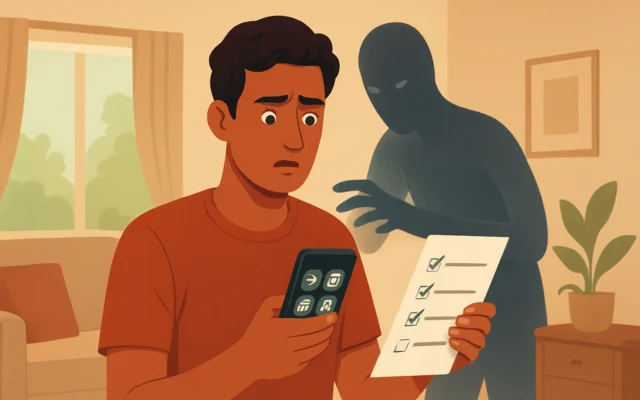
Fact-check: Income tax notice WhatsApp forwards are usually fake
We debunk viral income tax notice WhatsApp forwards, show how to verify on the Income Tax e‑Filing portal and list steps to report scams in India.

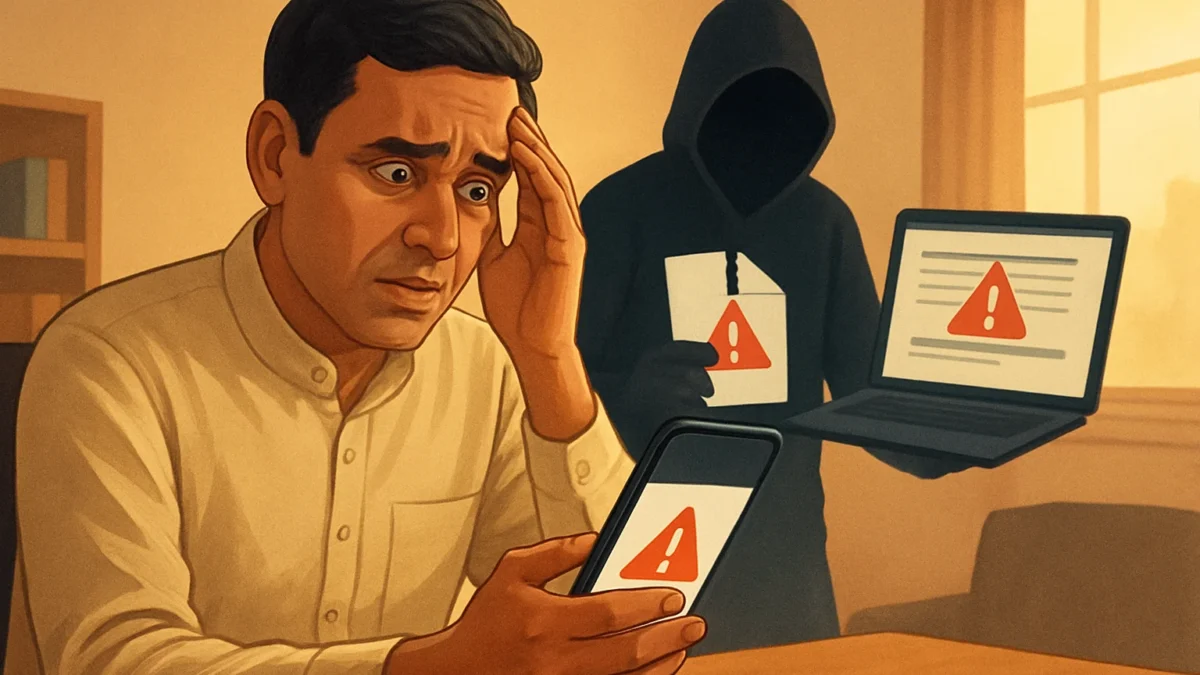
Most Income Tax notices circulated on WhatsApp are fake phishing lures or malware carriers. Always check for a genuine notice by logging into the Income Tax e‑Filing portal (incometax.gov.in) and verify the DIN/authenticate notice option — do not click links or open ZIPs from WhatsApp.
An urgent official Income Tax Department notice sent over WhatsApp (with attachment or link) demanding immediate action is genuine and must be acted on immediately.
Key takeaways
- The Income Tax Department does not send official notices as WhatsApp attachments or random links.
- Genuine notices appear in your e‑Filing account and via email from @incometax.gov.in or SMS from ITDCPC.
- Do not open ZIPs or APKs sent over WhatsApp; these have been linked to banking‑credential stealing malware.
- Verify any notice on the official e‑Filing portal using ‘Authenticate notice/order issued by ITD’ and the DIN.
- Report suspected scams to the cybercrime portal and your bank; preserve the message and sender details.
In this article
The viral claim
Messages and screenshots circulating on WhatsApp claim to be urgent Income Tax Department (ITD) notices demanding immediate response — often warning of penalties or prosecution within 48–72 hours and attaching a ZIP or link to view the order. Some forwards urge recipients to click the link or open an attachment to download the ‘official order’ and comply immediately.
What we found (evidence with sources)
Security researchers and Indian news outlets show this is a widespread phishing and malware campaign aimed at taxpayers. Multiple cyber‑security firms and media reports have traced these WhatsApp forwards to fake documents, cloned tax portals and ZIP attachments that install credential‑stealing malware when opened. These reports warn the fake notice copies government emblems, fabricated DIN/reference numbers, and demand quick action to create panic.
- CloudSEK and other researchers documented campaigns that use forged “Office Memorandum” PDFs and fake deadlines to push victims to phishing pages or ZIP attachments. The campaign often tries to harvest OTPs and banking details. (security research reports).
- Media reporting from national publications noted active scams during tax seasons where attackers delivered malware via WhatsApp attachments and cloned e‑filing pages. These articles show the same tactics — fake notices, urgent deadlines, dangerous ZIP files.
- Official guidance and e‑Filing verification — the Income Tax e‑Filing portal provides a dedicated option to authenticate notices and orders issued by the Income Tax Department. Genuine notices are also visible in your e‑Filing account under Pending Actions/e‑Proceedings. Official emails come from @incometax.gov.in and legitimate SMS uses the ITDCPC sender id.
In short: independent researchers, multiple news outlets and the official e‑Filing guidance agree — legitimate ITD notices do not arrive as unsolicited WhatsApp ZIP attachments or links that ask for credentials; the safe verification route is the e‑Filing portal. Sources include security reports and press coverage that traced active malware campaigns and advisories for taxpayers.
Also read: Electricity bill scam: fake SBI KYC calls and payment links · How to spot fake shopping websites (India) — quick checks
Why this claim spreads
- Fear and urgency: A notice threatening penalty or prosecution triggers an emotional reaction and quick, unverified action.
- Visual authenticity: Forged documents use government seals, legal language and fake reference numbers to look real at a glance.
- Platform convenience: WhatsApp is widely used, so scams reach many people fast and get forwarded inside family and community groups.
- Tax season timing: Criminals time these campaigns around filing deadlines and refund seasons when people expect tax communications.
How to verify such claims yourself (step-by-step)
- Don’t click or open attachments. If you get an unexpected tax notice on WhatsApp, do not open ZIPs, APKs or links sent in the message.
- Log in to the Income Tax e‑Filing portal directly. Open your browser and go to the official portal URL you type yourself (incometax.gov.in). Do not follow any link from WhatsApp.
- Check Pending Actions / e‑Proceedings / View Notices. Genuine notices and DINs will be available in your account. If a notice is real, it appears there and via email from @incometax.gov.in.
- Use the Authenticate Notice/Order tool. The e‑Filing portal has a Quick Links option to “Authenticate notice/order issued by ITD”. Use it to verify any DIN or document references quoted in the WhatsApp message.
- Compare sender and channels. Official emails come from the incometax.gov.in domain and official SMS use ITDCPC. WhatsApp messages from unknown numbers are not a valid channel for formal notices.
- If you already clicked or entered data: Immediately change your bank and e‑mail passwords, enable two‑factor authentication, inform your bank, and report to the cybercrime portal with message screenshots preserved.
- Report it: File a complaint on the national cybercrime reporting portal and inform local police. Keep screenshots, the sender number and any downloaded files — do not open them further.
Quick checklist (do this at once)
- Type incometax.gov.in yourself and check your e‑Filing account.
- Verify any DIN via the e‑Filing authenticate tool.
- Never share OTPs, PAN details or bank credentials in response to WhatsApp messages.
Why the verdict is important
Following the verification steps prevents data theft and financial loss. The campaigns are not only misinformation but are actively malicious — security reports link them to malware that harvests banking OTPs and credentials. Treat WhatsApp tax notices with suspicion and always verify through official channels.
Most WhatsApp income tax forwards are scams. If you get a notice on WhatsApp, do not click attachments or links — instead log in to the official Income Tax e‑Filing portal and use the Authenticate Notice/Order option. If you already shared info, alert your bank and report the incident to the cybercrime portal immediately.
Frequently asked questions
Can the Income Tax Department send notices on WhatsApp?
No. The Income Tax Department does not send formal tax notices as WhatsApp attachments or links. Official notices are placed in your Income Tax e‑Filing account, emailed from @incometax.gov.in and sometimes followed by SMS from the ITDCPC sender id.
How do I check if an income tax notice is genuine?
Log in to the Income Tax e‑Filing portal (incometax.gov.in) and check Pending Actions, e‑Proceedings or View Notices. Use the portal’s ‘Authenticate notice/order issued by ITD’ tool and verify the DIN quoted in any message.
I opened a ZIP sent over WhatsApp — what should I do?
Disconnect the device from the internet, avoid logging into bank apps on that device, change passwords from a clean device, inform your bank, and file a complaint on the national cybercrime portal. Preserve the message and sender details for reporting.
What are signs of a fake tax notice on WhatsApp?
Urgent deadlines (48–72 hours), attachments asking you to download files or apps, demand for immediate payment via a link, SMS/WhatsApp as the only channel, and sender numbers not tied to official domains are red flags.
Where do I report a fake income tax notice?
Report suspected scams to the National Cyber Crime Reporting Portal and to your bank. Also inform local police and keep screenshots and the sender number for investigators.