WhatsApp backup iPhone without iCloud — how to set up
Step-by-step guide to set up and restore WhatsApp backup on iPhone without iCloud, explain 2 GB free storage, privacy notes and troubleshooting for Indian users.

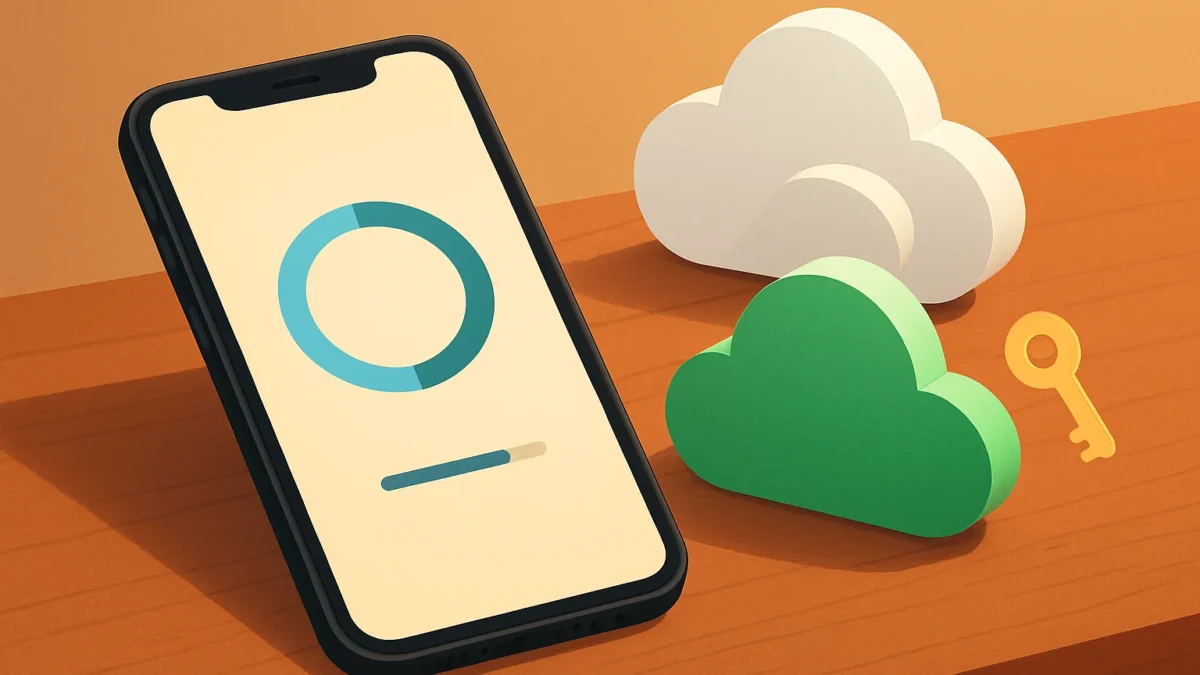
WhatsApp is rolling out its own end-to-end encrypted cloud backup option on iPhone that offers 2 GB free. Open WhatsApp > Settings > Chats > Chat Backup and choose WhatsApp Cloud (if available). Create or save the backup key/passphrase, run the first backup on Wi‑Fi, and restore from the same account when reinstalling.
Key takeaways
- WhatsApp now offers an optional, end-to-end encrypted backup on iPhone with 2 GB free for testing.
- You still can use iCloud; WhatsApp Cloud is an alternative — pick one provider per backup.
- Backups are protected by a user-held key or passphrase; losing it means you can’t decrypt backups.
- Restores require the same WhatsApp account; cross-platform restores (iPhone↔Android) are limited.
- If backup fails, check storage, Wi‑Fi, app permissions and that you’re on the same phone number and account.
In this article
What is it?
WhatsApp has started rolling out a first-party cloud backup option for iPhone that stores chat backups on WhatsApp’s own servers instead of iCloud. Backups are end-to-end encrypted by default and WhatsApp is giving test accounts 2 GB of free storage to start. This is an optional alternative — iCloud remains available as before.
How does it work?
When the feature appears on your iPhone, WhatsApp’s Chat Backup settings will show a choice of backup providers. If you pick WhatsApp Cloud, the app uploads your encrypted backup to WhatsApp’s servers. You must create or store a backup key or passphrase; only someone with that key can decrypt the backup.
Key points
- Backups are end-to-end encrypted — WhatsApp cannot read them without your key.
- Free accounts get 2 GB of WhatsApp cloud storage for backups; paid tiers may be available later.
- iCloud remains the default for many iPhone users; switching providers does not automatically delete old backups.
- Cross-platform restores (for example, iPhone→Android) are not guaranteed by this feature.
Also read: WhatsApp AI agents: How IT teams built 57 agents without code · How to use WhatsApp Meta AI photo expansion on iPhone
Why is it trending?
Two reasons make this news in India and worldwide. First, many iPhone users run out of Apple’s free 5 GB iCloud space; a dedicated 2 GB free WhatsApp backup keeps large message files from using a person’s iCloud quota. Second, always-on end-to-end encryption for backups gives users stronger privacy guarantees than default cloud backups — and privacy attracts attention after recent platform disputes and regulatory scrutiny.
How can you use it (step-by-step)?
Below are practical steps for Indian iPhone users. Note: WhatsApp rolls this out to beta testers first, so you’ll see the option only after your app gets the update.
- Update WhatsApp — Join the iOS beta if you want early access or update the App Store version when it arrives.
- Open Chat Backup — Go to WhatsApp > Settings > Chats > Chat Backup.
- Choose provider — If available, pick “WhatsApp Cloud” (or similar). iCloud will remain an option.
- Create your backup key or passphrase — WhatsApp will ask you to set a password or 64‑digit key. Save it offline (password manager or printed copy). If you lose this key you cannot decrypt the backup.
- Start the backup — Tap Back Up. Use Wi‑Fi and ensure enough battery or keep the phone charging. First backup may take time if you have lots of media.
- Restore — When reinstalling WhatsApp on the same phone number/account, pick “Restore from WhatsApp Cloud” and enter your key when asked.
Practical examples
- If you have an iPhone with an unpaid iCloud plan and many WhatsApp photos, using WhatsApp Cloud can free iCloud space for device backups and photos.
- If you value maximum privacy for message backups, WhatsApp Cloud’s mandatory encryption provides an extra layer compared with a default iCloud backup (unless you manually enable encrypted iCloud backups).
- If you plan to switch to Android later, don’t rely on this backup as the sole transfer method; check WhatsApp’s official cross-platform transfer support first.
Limits and risks
- 2 GB is small: The free quota is useful for testing or modest chat histories but will fill quickly if you have many videos and voice messages.
- Key management: Backups are unreadable without your key. Losing it means permanent loss of backup data.
- Provider lock: You can’t easily have two active backups at once — choose which provider you keep. Make sure the first backup completes before deleting any old backups in iCloud.
- Cross-platform limits: Restoring between iPhone and Android can be restricted; always verify WhatsApp’s current cross-device policies before switching phones.
- Availability: Feature rollout is gradual. If you don’t see the option, wait for the stable release or opt into beta channels at your own risk.
Who should care?
- iPhone users on the free 5 GB iCloud plan who want to keep iCloud space for photos and device backups.
- People who want an additional privacy layer for backups and are comfortable managing a backup key.
- Users who frequently reinstall WhatsApp on the same phone number and want a dedicated chat backup store.
- People planning to switch platforms should be cautious — check official restore options first.
Comparison: iCloud vs WhatsApp Cloud (short)
| iCloud | WhatsApp Cloud | |
|---|---|---|
| Default for iPhone | Yes | Optional |
| Free quota | 5 GB (Apple free plan) | 2 GB (WhatsApp free test quota) |
| Encryption | Encrypted (if enabled) but managed via Apple | Always end-to-end encrypted; user holds key |
| Cross-platform restore | Limited | Limited; depends on WhatsApp policies |
Common troubleshooting tips
- No backup option visible: Update WhatsApp, or join the TestFlight/beta if you want early access. Stable release may arrive later.
- Backup fails or stalls: Use a strong Wi‑Fi, charge the phone, and free local storage. Retry after closing and reopening the app.
- Not enough WhatsApp cloud space: Delete large media from chats, reduce auto-download, or consider upgrading if WhatsApp offers paid tiers later.
- Can’t restore: Confirm you’re using the same phone number and WhatsApp account, and enter the correct backup key. If the key is wrong or missing, the backup can’t be decrypted.
Final notes for Indian users
This feature can help users in India who keep many WhatsApp media files but do not pay for iCloud. Always keep a secure copy of your WhatsApp backup key. Follow official WhatsApp help pages or the app’s in‑built guidance when creating or restoring backups.
Sources: WhatsApp help and terms, beta reports and tech press covering the iOS beta rollout and WhatsApp storage terms.
If you run out of iCloud space or want stronger encryption for backups, try WhatsApp Cloud but keep a secure copy of the backup key. Stick with iCloud if you prefer Apple-managed storage or need integrated device backups. Wait for the stable release before switching critical backups.
Frequently asked questions
Is WhatsApp backup without iCloud available in India now?
WhatsApp has started rolling the feature to iPhone beta users and some markets; availability on all iPhones in India will come with wider app updates. Check WhatsApp > Settings > Chats > Chat Backup to see the option.
Will my WhatsApp backup still use iCloud if I choose WhatsApp Cloud?
No. Choosing WhatsApp Cloud stores the encrypted backup on WhatsApp’s servers instead of iCloud. Your iCloud backup remains until you delete it manually — switching providers does not automatically remove old backups.
What happens if I lose the backup key or passphrase?
If you lose the backup key or passphrase you used to encrypt the backup, you will not be able to decrypt or restore that backup. Save the key in a password manager or print a copy and store it safely.
How much does the WhatsApp backup cost?
WhatsApp currently offers 2 GB of free backup space for testing. Reports show paid tiers may be offered (for example larger quotas on a subscription), but check official WhatsApp notices for India pricing before buying.
Can I restore WhatsApp Cloud backup on an Android phone?
Cross-platform restores are limited. Historically WhatsApp has required special transfer steps between iPhone and Android. Do not rely on WhatsApp Cloud as your only transfer method when switching platforms — verify the official transfer support first.