Paytm wallet scam: fake revival messages and phishing warnings
Watch out for Paytm wallet scam messages after RBI's in‑principle nod. Learn how the phishing works, red flags, and exact steps to verify, secure accounts and report incidents.

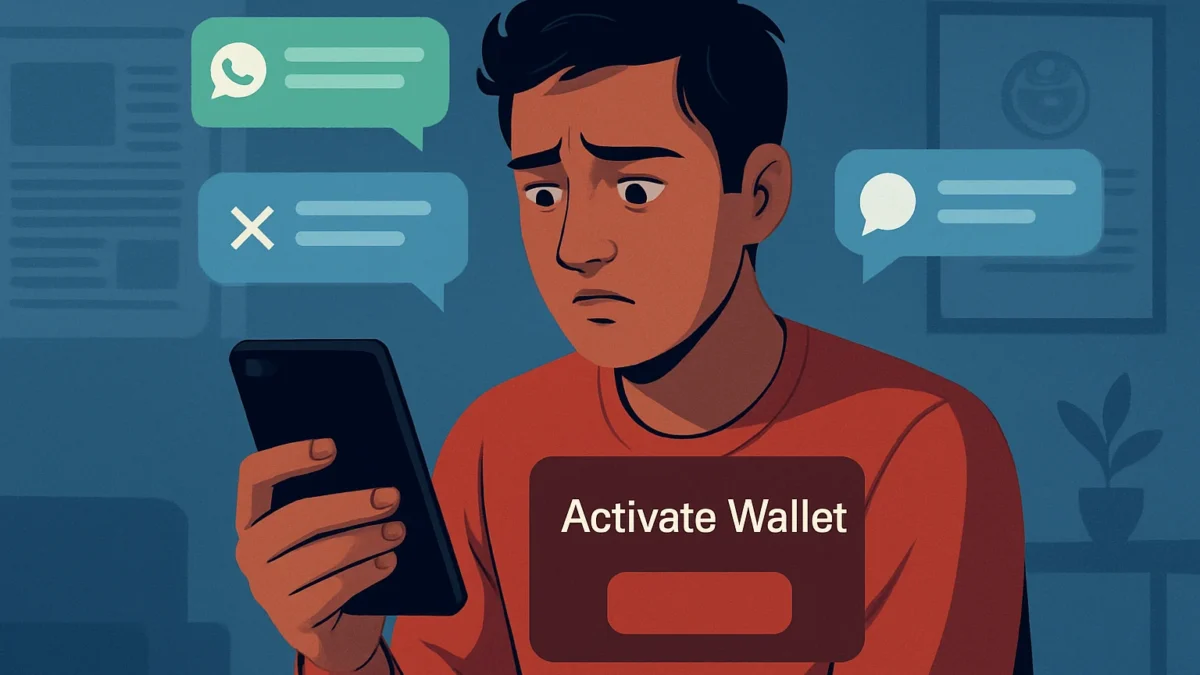
After the RBI gave in‑principle authorisation for Paytm’s subsidiary to apply for prepaid wallets, scammers are using that news to send fake ‘wallet revival’ messages with phishing links and APKs. Don’t click links, verify any message via Paytm’s official app or filings, report to 1930/cybercrime.gov.in and inform your bank immediately.
Key takeaways
- Scammers exploit RBI news by sending fake Paytm wallet revival messages on WhatsApp, X, Telegram and SMS.
- Typical tricks: shortened links, look‑alike domains, urgent recovery offers, or APK attachments — don’t click or install.
- If targeted, call 1930, file a complaint at cybercrime.gov.in and inform your bank straight away.
- Verify any wallet update only via Paytm’s official app, company filings or RBI/SEBI statements.
In this article
How the scam works
Step 1 — you see the news: RBI gave an in‑principle authorisation to Paytm Payments Services Limited (PPSL) on 13 November 2026. Scammers use that headline to build trust.
Step 2 — the bait arrives: a WhatsApp or SMS message, a direct message on X/Telegram, or a comment in a social post claims “Paytm wallet is back — activate now” or “Recover your lost wallet balance.” The message may include a short URL (bit.ly or other shortener), a look‑alike domain (for example, a misspelt Paytm domain), or an APK/file attachment said to be a new wallet app.
Step 3 — social pressure and urgency: the message says you must verify identity, confirm KYC, or click to ‘claim cashback’ within minutes. It may ask for OTP, UPI PIN, bank details or request you to install an app that asks for SMS/Accessibility permissions.
Step 4 — the breach: when you click the link you are taken to a fake login page (phishing) that captures your Paytm/UPI credentials or asks for OTPs. If you install an APK, malware can harvest credentials or send/approve transactions. Scammers then move funds or steal saved payment data.
Step 5 — cover-up: the fraudster may message claiming technical issues and ask you to share screenshots or call a ‘support’ number. That number is often part of the scam network.
Red flags to spot
- Unexpected messages claiming your wallet is reactivated or that you must “verify now” to get money.
- Shortened links (bit.ly, tinyurl) or domains that look like Paytm but have extra letters, dashes or different top‑level domains.
- Requests for OTP, UPI PIN, full debit/credit card details or to install an APK or allow Accessibility permissions.
- Urgent language: “claim within 10 mins”, “limited time refund”, or promises of large cashback without prior action.
- Contact numbers on social posts or messages that are not listed on Paytm’s official help pages or app.
Also read: How to raise UPI complaint in India: step-by-step guide
What to do if you have been targeted
- Stop and don’t click further. If you clicked a link, do not enter any OTP or credentials and close the page immediately.
- If you shared OTPs, UPI PIN, card details or installed an APK, treat it as a compromise: inform your bank immediately and block the card or UPI channel.
- Call the National Cyber Crime Helpline on 1930 for immediate guidance (this is the Government helpline for cyber financial fraud). Then go to the National Cyber Crime Portal and file a complaint at cybercrime.gov.in with screenshots and transaction details. ([nsearchives.nseindia.com](https://nsearchives.nseindia.com/corporate/PAYTM_13112026144214_SE_Disclosure_PPSL_Wallet_License_in_principal_approval_Nov_2026_sd.pdf?utm_source=openai))
- Report the incident to Paytm using the official app’s help or the company’s verified channels. Do not use phone numbers or links provided in the suspicious message.
- Change passwords: update your Paytm password (if still safe), mobile/email login passwords and your bank account/UPI PIN if you suspect compromise. Use a strong, unique password and enable two‑factor authentication where available.
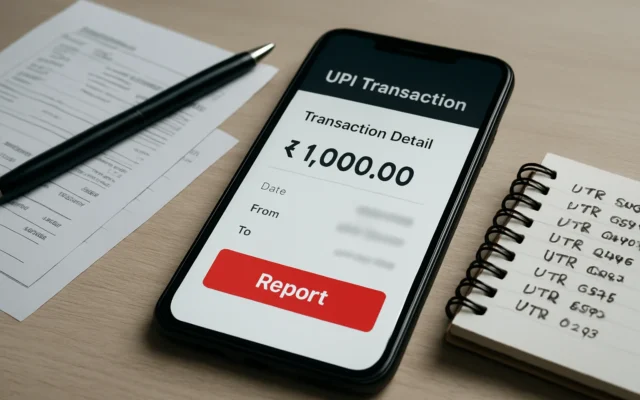
- Preserve evidence: keep screenshots, the original message, sender ID or number and any transaction IDs. This helps police and banks investigate.
How to stay safe
Verify first. Official approvals and company announcements are shared via Paytm’s app, official investor filings and RBI/SEBI/RBI press releases — not random WhatsApp forwards. Paytm’s exchange filing confirming the RBI in‑principle authorisation was dated 13 November 2026; always check such primary sources before acting. ([nsearchives.nseindia.com](https://nsearchives.nseindia.com/corporate/PAYTM_13112026144214_SE_Disclosure_PPSL_Wallet_License_in_principal_approval_Nov_2026_sd.pdf?utm_source=openai))
Never share OTPs, UPI PINs or full card numbers. No legitimate company or regulator will ask for your OTP or PIN over messages or calls. Treat any request to install an APK from a message as malicious; install apps only from Google Play or Apple App Store.
Check URLs carefully — legitimate Paytm domains and RBI pages use clear, official domain names. If a message uses a short link, expand it first using a link‑preview tool or ask the sender to confirm via an official channel. When in doubt, use the Paytm app and official website to confirm any offer or instruction.
Keep your phone updated, use Google Play Protect (Android) or App Store protections (iPhone), and run a reputable mobile security app if you suspect malware. Regularly review UPI permissions and linked apps in your bank/UPI app settings.
Share the warning. If you receive the scam message, forward it to friends or family with a short note: “don’t click — possible phishing.” This small step stops others from falling for the same trick.
Why this is happening now
Major regulatory news increases public interest and creates a timely hook for scammers. The RBI’s in‑principle authorisation for PPSL to issue prepaid payment instruments (including wallets) is real, but it does not mean wallets or top‑ups are immediately active. Scammers use that ambiguity to push fake activation links. Always wait for official service relaunch notices and app updates. ([indianexpress.com](https://indianexpress.com/article/explained/explained-economics/paytm-wallet-services-rbi-approval-conditions-explained-10962025/lite/?utm_source=openai))
Don’t click revival links or install APKs from messages. Verify any wallet update only via Paytm’s official app or regulatory filings. If targeted, call 1930, file a complaint on cybercrime.gov.in and inform your bank immediately.
Frequently asked questions
Is the Paytm wallet actually back after the RBI nod?
RBI gave an in‑principle authorisation to Paytm Payments Services Ltd on 13 November 2026, which starts a process — not an immediate relaunch. Paytm must complete audits and formalities before wallets or top‑ups return.
I received a message saying I can claim my old wallet balance — is this real?
Most likely a scam. Do not click links or share OTPs. Verify any balance recovery only within the official Paytm app or official company communications and avoid actions suggested in forwarded messages.
What official channels should I use to check Paytm news?
Check Paytm’s official app notifications, company exchange filings and reputable national news outlets. Regulatory updates will appear on RBI press releases and official filings; don’t rely on random social posts.
How do I report the scam to Indian authorities?
Call the National Cyber Crime Helpline at 1930 for immediate assistance, then file a formal complaint with the National Cyber Crime Portal at cybercrime.gov.in and notify your bank with transaction details and screenshots.
I clicked a link and entered my OTP — what now?
Immediately inform your bank to block affected instruments and UPI/IMPS channels. Change passwords and UPI PINs, call 1930 to report the fraud, and lodge a complaint on cybercrime.gov.in with evidence.