How to schedule WhatsApp messages on Android, iPhone & Web
Step-by-step fixes to schedule WhatsApp messages on Android, iPhone and Web, plus quick solutions for missing options, old app or group limits.

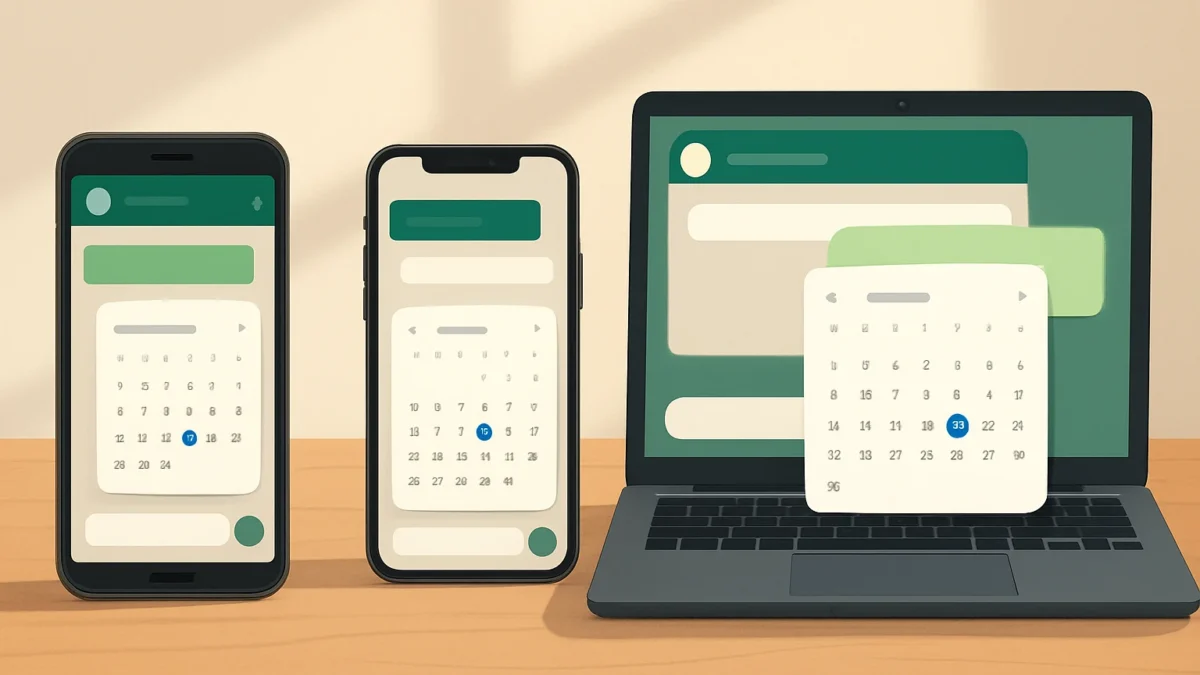
WhatsApp now supports scheduling messages in individual and group chats. Type your message, long-press the send button and pick date/time (between 10 minutes and 14 days ahead). If you don’t see the option, update WhatsApp or use approved workarounds below.
Key takeaways
- Long-press the send button to schedule a message (10 min–14 days ahead).
- If the option is missing, update the app, reboot, or wait for the server-side rollout.
- Groups and individual chats support scheduled items; new group members won’t see past scheduled sends.
- Safe workarounds: WhatsApp Business Away/Quick Replies, third‑party schedulers only if they respect encryption and account rules.
- Contact WhatsApp support when scheduled messages fail repeatedly or show errors after updates.
- Update WhatsApp: Open Play Store or App Store and install the latest WhatsApp release. Many rollout issues disappear after updating. ([blog.whatsapp.com](https://blog.whatsapp.com/say-it-at-the-right-time-with-scheduled-messages?lang=en&utm_source=openai))
- Restart the app and your phone: Close WhatsApp fully (force-stop on Android), reboot the device, then reopen WhatsApp to let the new feature appear. ([wabetainfo.com](https://wabetainfo.com/whatsapp-launches-scheduled-messages-on-android-and-ios/?utm_source=openai))
- Allow time for rollout: WhatsApp is rolling scheduled messages out globally — if the option is server-side, it can appear hours or days after the app update. Wait 24–48 hours before trying other fixes. ([blog.whatsapp.com](https://blog.whatsapp.com/say-it-at-the-right-time-with-scheduled-messages?lang=en&utm_source=openai))
In this article
- Why you don’t see the schedule option: app is not updated
- Why you don’t see it: feature is rolling out server-side
- How to schedule a message (what works)
- Why scheduled messages fail to send
- Group limits and surprises: why members don’t see earlier scheduled sends
- What to do if scheduling UI looks different or missing features
- Workarounds for devices that can’t use scheduled messages yet
- When to contact support
- Troubleshooting checklist (quick)
- Frequently asked questions
- Sources
Why you don’t see the schedule option: app is not updated
Cause: Your WhatsApp app is an older version that doesn’t include the schedule UI. Fix: Update from the Google Play Store or Apple App Store. After updating, type a message and long-press the send button — the schedule menu should appear. If the store still shows no update, toggle auto-updates and check again. Official posts confirm scheduling was added in the recent release. ([blog.whatsapp.com](https://blog.whatsapp.com/say-it-at-the-right-time-with-scheduled-messages?lang=en&utm_source=openai))
Why you don’t see it: feature is rolling out server-side
Cause: WhatsApp often enables features on the server even after the app update. Fix: Wait up to 48 hours. Meanwhile, ensure a stable internet connection and restart the app occasionally. If the feature still doesn’t appear after 48 hours, try reinstalling the app (backup chats first) or move to the beta channel if you’re comfortable with betas. Sources note the rollout can be staged. ([blog.whatsapp.com](https://blog.whatsapp.com/say-it-at-the-right-time-with-scheduled-messages?lang=en&utm_source=openai))
Also read: Transfer WhatsApp chats between Android and iPhone without losing media · How to use Pixel 11 Pro HiLight for WhatsApp messages
How to schedule a message (what works)
Type a message in any individual or group chat. Press and hold the send button, choose the date and time (WhatsApp supports scheduling from 10 minutes up to 14 days ahead) and confirm. Scheduled messages support text, photos and videos and remain end‑to‑end encrypted. Scheduled sends will be delivered even if your phone is switched off. ([blog.whatsapp.com](https://blog.whatsapp.com/say-it-at-the-right-time-with-scheduled-messages?lang=en&utm_source=openai))
Why scheduled messages fail to send
Cause: Network or account issues can block delivery at the scheduled time. Fix: Check your device’s internet connection at the scheduled send time. If your account is logged out on other devices or experiencing backup/restore operations, retry scheduling after those complete. If you see an explicit error in WhatsApp, screenshot it and follow the error text—sometimes rescheduling solves temporary failures. ([blog.whatsapp.com](https://blog.whatsapp.com/say-it-at-the-right-time-with-scheduled-messages?lang=en&utm_source=openai))
Group limits and surprises: why members don’t see earlier scheduled sends
Cause: If you schedule a message for a group and new members join after you scheduled it, they won’t see the scheduled message that was delivered before they joined. Fix: For announcements, schedule messages close to the planned send time and post again after new members join, or use pinned messages/announcements in the group. This behaviour is noted in rollout coverage and is a privacy/design choice. ([digitaltrends.com](https://www.digitaltrends.com/social-media/whatsapps-most-requested-feature-is-finally-official-and-it-changes-how-you-send-texts/?utm_source=openai))
What to do if scheduling UI looks different or missing features
Cause: Different platforms sometimes show slightly different interfaces (Android, iPhone, Web). Fix: Follow platform steps exactly: long-press the send button on mobile; on Web/Desktop, look for a small schedule icon or menu near the send control. If Web doesn’t show scheduling, update the desktop/web client or sign out and sign back in. WABetaInfo and official blog posts describe similar gestures across platforms. ([wabetainfo.com](https://wabetainfo.com/whatsapp-launches-scheduled-messages-on-android-and-ios/?utm_source=openai))
Workarounds for devices that can’t use scheduled messages yet
Option 1 — WhatsApp Business: Use Away messages and Quick Replies for planned responses. These are not the same as scheduled personal sends but can simulate timed replies for business hours.
Option 2 — Reminders: Use your phone’s reminder or calendar app to alert you to send the message manually at the right time. This keeps full control and avoids third‑party account access risks.
Option 3 — Trusted automation tools: Only use reputable scheduler apps that explicitly support WhatsApp scheduling and respect privacy. Check reviews and permissions; avoid apps that require reading your messages or mirroring sessions unless you trust them completely. Official coverage warns that availability may vary and suggests caution. ([gadgetsnow.indiatimes.com](https://gadgetsnow.indiatimes.com/tech-news/whatsapp-rolls-out-scheduled-messages-feature-heres-how-you-can-schedule-texts-photos-and-videos-for-up-to-two-weeks/articleshow/136158618.cms?utm_source=openai))
When to contact support
Contact WhatsApp support when:
- Scheduled messages consistently fail to send despite stable internet and updated app.
- You see account-specific errors (account locked, banned, or repeated restore errors) affecting scheduling.
- Scheduled messages are showing sensitive delivery problems or duplicated sends that can’t be explained by device state or network.
Include screenshots, exact device model, WhatsApp app version (from Settings > Help > App info), and the scheduled time you used. This helps support diagnose rollout or server-side problems. Official channels point users to in-app support for account problems. ([blog.whatsapp.com](https://blog.whatsapp.com/say-it-at-the-right-time-with-scheduled-messages?lang=en&utm_source=openai))
Troubleshooting checklist (quick)
- Update WhatsApp to the latest version on your device. ([blog.whatsapp.com](https://blog.whatsapp.com/say-it-at-the-right-time-with-scheduled-messages?lang=en&utm_source=openai))
- Restart your phone and the app.
- Ensure a stable internet connection at the scheduled send time.
- Wait 24–48 hours for a server-side rollout.
- Use reminders or WhatsApp Business tools as a safe workaround if needed. ([gadgetsnow.indiatimes.com](https://gadgetsnow.indiatimes.com/tech-news/whatsapp-rolls-out-scheduled-messages-feature-heres-how-you-can-schedule-texts-photos-and-videos-for-up-to-two-weeks/articleshow/136158618.cms?utm_source=openai))
WhatsApp’s native schedule feature is the safest and easiest way to send messages later—try it first after updating your app. If the option is missing, wait for the staged rollout or use phone reminders/WhatsApp Business tools as secure workarounds. Contact in‑app support only for persistent account or delivery errors.
Frequently asked questions
How far ahead can I schedule a WhatsApp message?
WhatsApp lets you schedule messages from 10 minutes up to 14 days ahead. The feature supports text, photos and videos, and keeps end‑to‑end encryption. ([blog.whatsapp.com](https://blog.whatsapp.com/say-it-at-the-right-time-with-scheduled-messages?lang=en&utm_source=openai))
Will scheduled WhatsApp messages send if my phone is off?
Yes. WhatsApp’s official rollout notes that scheduled messages are delivered even if your phone is switched off at the scheduled time, because delivery is handled server-side once the schedule is set. ([blog.whatsapp.com](https://blog.whatsapp.com/say-it-at-the-right-time-with-scheduled-messages?lang=en&utm_source=openai))
Can I schedule messages in WhatsApp Web or Desktop?
Yes. The rollout covers mobile and desktop/web clients, though the scheduling UI may differ slightly. Update the web/desktop client and look for the schedule option near the send control. ([blog.whatsapp.com](https://blog.whatsapp.com/say-it-at-the-right-time-with-scheduled-messages?lang=en&utm_source=openai))
Do new group members see scheduled messages sent before they joined?
No. Messages scheduled and delivered before a person joins a group won’t appear to that new member. For group announcements, plan to resend or use pinned messages after membership changes. ([digitaltrends.com](https://www.digitaltrends.com/social-media/whatsapps-most-requested-feature-is-finally-official-and-it-changes-how-you-send-texts/?utm_source=openai))
Is scheduling available for WhatsApp Business?
Yes. The scheduled messages feature is available across standard and business accounts. WhatsApp Business already had message automation tools (Away/Quick Replies) which you can use alongside scheduling. ([blog.whatsapp.com](https://blog.whatsapp.com/say-it-at-the-right-time-with-scheduled-messages?lang=en&utm_source=openai))
Sources
- Say it at the right time with scheduled messages – WhatsApp Blog
- WhatsApp launches scheduled messages on Android and iOS | WABetaInfo
- WhatsApp's most requested feature is finally official, and it changes how you send texts – Digital Trends
- WhatsApp Rolls Out Scheduled Messages Feature: Here’s How You Can Schedule Texts, Photos and Videos For Up to Two Weeks