Xiaomi smart home: quick guide to 4 new Mijia appliances
A concise India guide to Xiaomi's four new Mijia smart home appliances: what they are, compatibility, setup tips, likely prices and who should buy.

Some links on this page are affiliate links. If you buy through them, ViralDuniya may earn a small commission at no extra cost to you. As an Amazon Associate we earn from qualifying purchases.
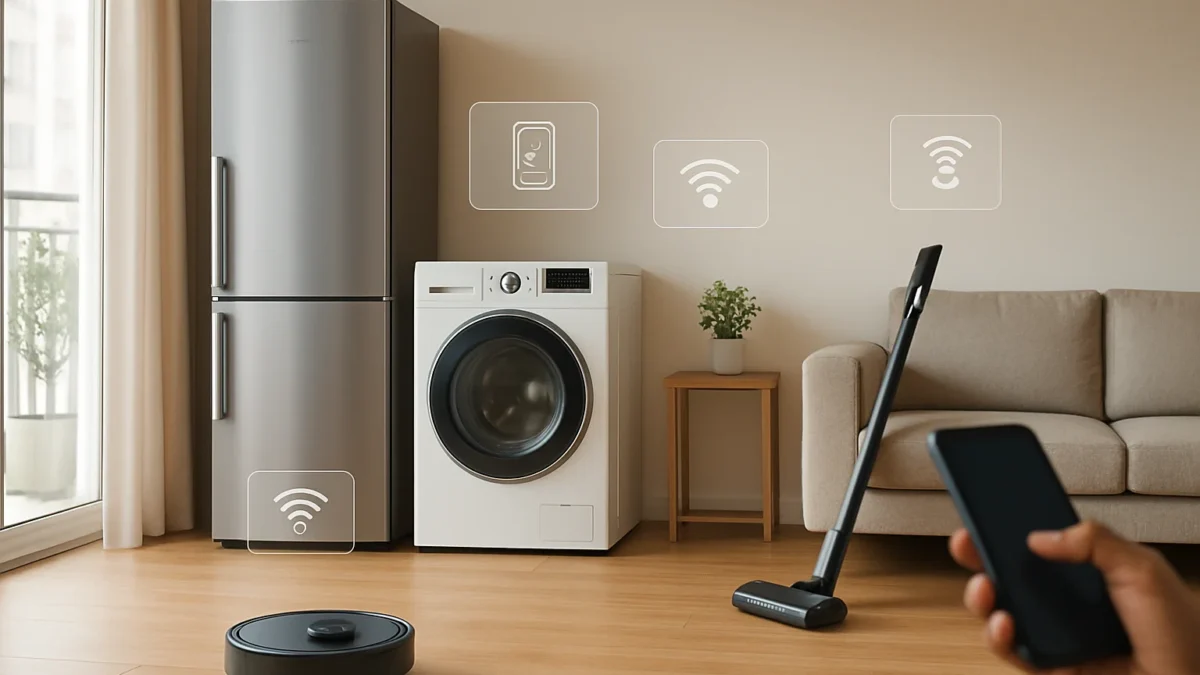
Xiaomi has introduced four new Mijia appliances globally — a tri-drum washer‑dryer, a large multi‑door fridge, the Robot Vacuum 6 Max and the Vacuum Cleaner 4 Max. They use the Xiaomi/Mijia (Xiaomi Home) app and usually support Google Assistant and Alexa; India launches and local prices are expected but not yet confirmed.
Key takeaways
- Four new Mijia appliances were announced for global markets: washer‑dryer, fridge, robot vacuum and stick vacuum.
- All four integrate with the Xiaomi Home (Mijia) app; voice support for Google Assistant and Alexa is likely.
- India availability is expected (Mijia is already active here), but exact launch dates and INR prices are not yet confirmed.
- Setup is mostly app-driven: connect to Xiaomi Home, join home Wi‑Fi, add device; follow the quick start guide in the box.
- Buyers should match capacity/features to home size — wait if you need official India warranty or lower INR pricing.
In this article
What is it?
Xiaomi has expanded its Mijia smart home range with four new appliances aimed at making household chores easier. The global announcement lists a Mijia Tri‑Drum Washer Dryer Pro (large capacity), a Mijia Refrigerator Pro multi‑door model, the Xiaomi Robot Vacuum 6 Max and the Mijia Vacuum Cleaner 4 Max (stick vacuum).
How does it work?
All four devices are part of Xiaomi’s Mijia/Xiaomi Home ecosystem. They connect to your home Wi‑Fi and appear in the Xiaomi Home (Mijia) app where you can control, schedule and monitor them. Xiaomi typically adds Google Assistant and Amazon Alexa compatibility for voice control on global models, and the company confirmed the devices run through the Xiaomi Home app. Specific smart features differ by product (e.g., robot vacuum mapping and suction modes; washer‑dryer smart cycles; fridge temperature zones; stick vacuum multi‑mode cleaning).
Also read: Apple HomeView in India: 9 Smart Home Tips & Compatible Devices
Why is it trending?
This launch follows Xiaomi’s broader push into larger smart appliances and the Mijia brand expansion in Europe and India. The company is positioning affordability plus app connectivity as the main draw — and the new models add higher capacity or stronger suction compared with earlier Xiaomi home products, making them headline devices for people upgrading to connected large appliances.
How can you use it? (practical examples)
- Washer‑dryer — set a delayed wash so laundry finishes when you arrive home; use the app to select fabric‑safe smart cycles for mixed loads.
- Fridge — create temperature zones (veg, meat) and get alerts if the door is left open or power fluctuations happen.
- Robot Vacuum 6 Max — schedule daily cleaning, run spot clean after cooking, and let the vacuum map rooms to avoid furniture.
- Vacuum Cleaner 4 Max (stick) — switch between carpet and hard‑floor modes from the handle or app; use wet/dry modes if available for small spills.
Simple setup tips
- Charge the device (or dock robot) fully before first use.
- Download the Xiaomi Home (Mijia) app and create/sign in to your Xiaomi account.
- On the app, choose Add Device → follow on‑screen pairing (usually holds a button on the device until LED blinks).
- Ensure 2.4 GHz Wi‑Fi is active if a device requires it — many Xiaomi appliances still use 2.4 GHz for pairing.
- Update firmware from the app before first use and read the quick‑start safety notes in the box.
Limits and risks
India‑specific details — official prices, launch dates, warranty terms and local service support — were not announced at the global reveal. If you import a European model it may not carry an India warranty and spare parts or service could be limited. Large appliances also need appropriate electrical and space planning (power draw, stabiliser if recommended, door clearance for fridges, inlet/drain for washer‑dryers).
Privacy: these devices connect to cloud services; review Xiaomi Home privacy and account settings if you prefer local‑only control. Also check voltage compatibility and local certifications before buying.
Who should care?
Consider these devices if you want to upgrade to smart, app‑controlled large appliances and already use Xiaomi’s ecosystem (TVs, security cams, air purifiers). If you prefer strong local warranty support or are price‑sensitive, wait for an official India launch to compare INR prices and service plans.
Comparison table: quick feature snapshot
| Device | Main use | Smart features | Who it’s for |
|---|---|---|---|
| Mijia Tri‑Drum Washer Dryer Pro | Wash + dry large loads | App cycles, schedule, remote start | Large families, those who want one‑box laundry |
| Mijia Refrigerator Pro (multi‑door) | Food storage — multi zones | App temp control, door alerts | Large kitchens, meal‑preppers |
| Xiaomi Robot Vacuum 6 Max | Daily floor cleaning | Mapping, suction modes, app scheduling | Busy households, pet owners |
| Mijia Vacuum Cleaner 4 Max (stick) | Hands‑on quick cleaning | Multiple cleaning modes, app/LED indicators | Flats, quick cleanups, stairs |
Availability and price note
These four models were announced for global markets in November 2026; Europe launch prices were published in euros. Xiaomi has already started bringing Mijia products to India (air purifiers launched in September 2026), so an India launch is likely. Exact local prices and official India launch dates have not been confirmed — wait for Xiaomi India announcements for final INR pricing, launch offers and warranty details.
Check latest prices
Prices and offers change often. Check the current price and seller rating before you buy.
Mijia Smart Air Purifier 6
Large rooms and connected air quality control
approx ₹7,999–₹24,999 (India air purifier series; new appliances price TBC)
Mijia Smart Air Purifier 4 Compact
Small rooms, bedrooms
approx ₹7,999–₹12,999
Xiaomi Robot Vacuum 6 Max
Hands‑free floor cleaning for medium to large homes
approx ₹80,000–₹90,000 (estimated from European launch; India price TBC)
Mijia Vacuum Cleaner 4 Max (stick)
Quick spot cleaning and flats
approx ₹40,000–₹60,000 (estimated; India price TBC)
Mijia Tri‑Drum Washer Dryer Pro (12–14.5 kg)
Large families wanting combined wash‑and‑dry
If you already use Xiaomi Home devices and want smarter, higher‑capacity appliances, keep an eye out — these models look promising. If you need India warranty, authorised service or lower INR pricing, wait for an official India launch rather than importing a European model.
Frequently asked questions
Will these new Xiaomi Mijia appliances work with Google Assistant or Alexa in India?
Xiaomi has stated the new Mijia appliances work through the Xiaomi Home (Mijia) app and global models typically offer Google Assistant and Amazon Alexa support. India availability of voice features should be confirmed in the local launch notes.
Are these four Mijia appliances available to buy in India now?
No — the global announcement came in November 2026. Xiaomi has launched other Mijia products in India (air purifiers), but official India listings, prices and dates for these four models are not confirmed yet.
Should I import the European model or wait for India availability?
Waiting is safer. Imported units may lack India warranty, local service support and official parts. If you need immediate purchase and accept import risks, check voltage, plug compatibility and service options first.
How do I set up a new Xiaomi Mijia appliance with the app?
Charge or power the appliance, open the Xiaomi Home (Mijia) app, sign in, tap Add Device and follow on‑screen pairing instructions (usually hold a button until an LED blinks). Use 2.4 GHz Wi‑Fi if pairing fails and update firmware after pairing.
Are there any special electrical or space requirements?
Large appliances need sufficient clearance (fridge doors, washer inlet/drain), and some recommend a stabiliser for unstable power. Check the product manual and local specs once the India model is announced.