How to use RBI’s Stop Switch to block UPI & card frauds
Practical guide to RBI’s stop switch: what it blocks, how to enable it via bank/UPI apps, sample messages, and a one-page checklist to act during suspected fraud.

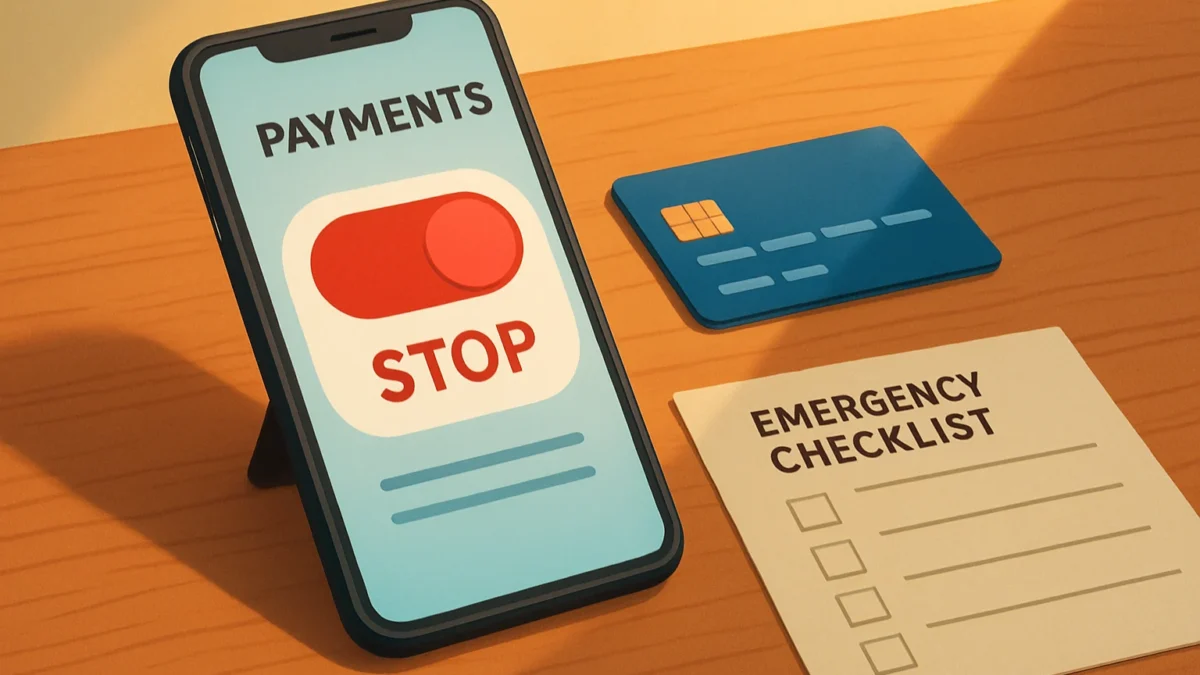
The RBI’s Stop Switch (a draft customer control) lets you immediately block all customer-initiated outgoing debits — UPI payments, card transactions, mandates and standing instructions — until you re-enable them. Banks and apps must offer the control via app, internet banking, IVR, SMS or branch once the RBI directions are final.
Key takeaways
- Stop Switch is a RBI-proposed customer control to block outgoing digital debits.
- It will stop UPI registration on new apps, card debits, mandates and standing instructions.
- Banks must provide activation through multiple channels (app, IVR, SMS, branch).
- Use the one-page checklist immediately if you suspect fraud: block, report, preserve evidence, follow bank dispute steps.
In this article
Who this is for and what you need
This guide is for Indian bank and UPI app users who want to quickly stop outgoing digital payments during suspected fraud. It explains what the RBI’s proposed Stop Switch does, how banks and UPI apps are expected to offer it, step-by-step actions to take right now, sample messages you can send to your bank or app support, and a one-page checklist for emergency use.
What the Stop Switch is (short)
The Reserve Bank of India has published draft directions that introduce a customer-configurable Stop Switch. Once activated, it prevents customer-initiated debit transactions, setting up new mandates or standing instructions, and registration of UPI on new third-party apps for the account. These are draft directions and banks/apps will roll out exact UI and commands after final rules. (See sources at the end.)
Also read: How to link RuPay credit card to UPI (step-by-step guide) · AI voice cloning scam: How fraudsters trick UPI users
Step-by-step
- Open your bank or UPI app’s Security / Controls menu. Most banks and UPI apps already have card and UPI controls. When the Stop Switch is implemented, it will appear under those settings or under a new “Customer Controls” section. (If you can’t find it, use IVR or SMS—steps below.)
- Activate Stop Switch. Tap the Stop Switch toggle or button and confirm using your app PIN/biometrics/OTP. Activation should immediately block outgoing debit transactions, new UPI registration for your account on third-party apps, creation of payment mandates and standing instructions.
- Verify which channels are blocked. After activation check labels shown by the app — typically grouped as: UPI (outgoing), Card (ATM/PoS/online/contactless), Mandates/standing instructions. Confirm each affected channel on-screen so you know what’s blocked.
- Use bank IVR or SMS if you can’t open apps. RBI draft requires banks to provide activation via IVR, SMS, ATM, branches and internet banking. Call your bank’s 24×7 helpline, follow the fraud or card-block menu and request “Stop Switch” activation. If your bank allows SMS commands, use the template below and send it from your registered mobile number.
- Lock individual cards or UPI separately if needed. If you want more granular control, use the app’s card controls to disable ATM, PoS, online or contactless transactions, or temporarily disable UPI in the UPI/Payment settings. This helps if you need outgoing payments for some channels but not others.
- Report suspected fraud immediately. After Stop Switch activation, report the incident through the bank’s fraud reporting channel (in-app complaint, dedicated email/IVR). Keep the complaint reference number and screenshot of the activated Stop Switch for record.
- Request dispute resolution and provisional credit if eligible. Follow your bank’s prescribed dispute process. Under the RBI framework for fraudulent EBTs, banks must provide 24×7 channels and act promptly—retain all messages, transaction IDs and timestamps for the claim.
- Re-enable only after authentication. When you need to reactivate outgoing payments, banks must re-enable only after strong authentication (app PIN/biometric/OTP and other checks). Use re-enable only from trusted devices and networks.
Sample messages to send (templates)
- In-app chat / email to bank support: “Please activate Stop Switch on my account XXXX (last 4 digits). I suspect unauthorised transactions. Kindly block all outgoing debits, UPI registration on new apps, and new mandates immediately. My registered mobile number is XXXXXXXX.”
- IVR script (what to say): “Hello, this is [Your name]. I request Stop Switch activation on account ending XXXX due to suspected fraud. Please block all customer-initiated debits and confirm reference number.”
- SMS template (if bank accepts SMS commands): “STOPSWITCH ACCT XXXX SUSPICION FRAUD” — send from your registered mobile. (Check with your bank before using any SMS code; banks will publish exact SMS keywords.)
What each option does (quick glossary)
- Block outgoing UPI debits: Prevents you (or anyone using your account) from sending money using UPI from this account and from registering the account on new UPI apps.
- Block card transactions: Stops ATM withdrawals, PoS transactions, online card payments and contactless taps depending on the toggles you set.
- Block mandates/standing instructions: Stops new electronic mandates and recurring standing instructions from being created.
- Trusted Person Mechanism: A separate RBI proposal lets you register a trusted person to authenticate certain high-value transfers. This does not replace Stop Switch.
One-page emergency checklist (use immediately)
| Action | Why | How |
|---|---|---|
| Activate Stop Switch | Stop further outgoing debits | Bank/UPI app Settings or IVR/SMS/branch |
| Block individual cards/UPI | Extra layer if needed | Card controls in bank app; UPI off in UPI app |
| Report fraud | Start dispute & claim | In-app complaint + 24×7 bank helpline |
| Save evidence | Support your claim | Screenshots, SMS, transaction IDs, complaint ref |
| Follow up | Track resolution & provisional credit | Use complaint ref; escalate to bank grievance if delayed |
Common problems and fixes
- Can’t find Stop Switch option: The Stop Switch is a newly proposed control in RBI draft rules; your bank may roll it out later. Meanwhile, use existing card/UPI locks and call the bank’s 24×7 helpline to request an emergency block. (Banks must provide alternate channels.)
- App shows ‘pending’ activation: Wait a few minutes and refresh. If still pending, call the bank helpline and quote the request ID. Ask for immediate temporary blocking while the system completes activation.
- Need to make payments after activation: Use netbanking to re-enable specific channels if allowed, or visit branch with ID for secure reactivation. Re-enable only on a safe device and network.
Tips
- Keep your bank’s fraud helpline number saved in your phone and a printed copy at home.
- Use bank apps that offer granular card controls — ATM/PoS/online/contactless — so you don’t need to stop all payments.
- Activate alerts (SMS/email) for all transactions and screen messages immediately; they help detect fraud early.
- When reporting, record the complaint reference number and time — banks need this for faster resolution and provisional credit where eligible.
- Android vs iPhone: both platforms will support the Stop Switch, but UI wording may differ. On iPhone, use Face ID/Touch ID plus app passcode for confirmation; on Android use fingerprint/PIN as required by the app.
What we don’t know yet
RBI has published draft directions that require banks to provide the Stop Switch through app, internet banking, IVR, ATM and branches. Exact app UI, SMS keywords, IVR menus and implementation dates will be set by individual banks and UPI apps after the RBI finalises the directions. Always check your bank’s official notice or customer service for precise steps.
The Stop Switch is a welcome, practical customer control to stop outgoing debits quickly. Enable it or learn how to activate it for your bank now; if your bank hasn’t rolled it out yet, use existing card/UPI locks and keep your bank’s fraud helpline ready. Treat Stop Switch as an emergency block — re-enable only after secure authentication.
Frequently asked questions
Does Stop Switch block incoming credits or only debits?
Stop Switch blocks customer-initiated outgoing debit transactions, new payment mandates and UPI registration on new apps. Incoming credits (money received) are not blocked by this control according to the RBI draft.
Can I use Stop Switch from phone banking or SMS?
Yes. RBI’s draft directions require banks to provide Stop Switch activation via multiple channels — app, internet banking, IVR, SMS, ATM and branches — though exact SMS keywords or IVR steps will be published by each bank when implemented.
Will Stop Switch stop recurring payments I already set up?
The Stop Switch prevents creation of new mandates and standing instructions. Existing recurring payments may be treated differently — the draft specifically blocks new mandates and standing instructions; check your bank’s implementation for handling existing recurring payments.
How long does re-enabling take after I activate Stop Switch?
Banks must re-enable only after authentication. Timing depends on the bank’s verification process — some may allow instant re-enable through secure app authentication, while others may ask for additional checks. Expect re-enablement to require OTP/biometric and possibly manual verification for safety.
Does Stop Switch work for credit cards and prepaid cards?
RBI’s draft says cardholders will be able to switch transactions on or off and set limits for debit, credit and prepaid cards (excluding certain gift or transit prepaid cards). Exact controls and exclusions will be published by each bank.