WhatsApp Close Friends: 9 Status privacy settings Indians need
Learn 9 clear, numbered steps to use WhatsApp Close Friends for Status. Setup, pitfalls (backups, broadcasts, screenshots) and quick settings to stop accidental overshares.

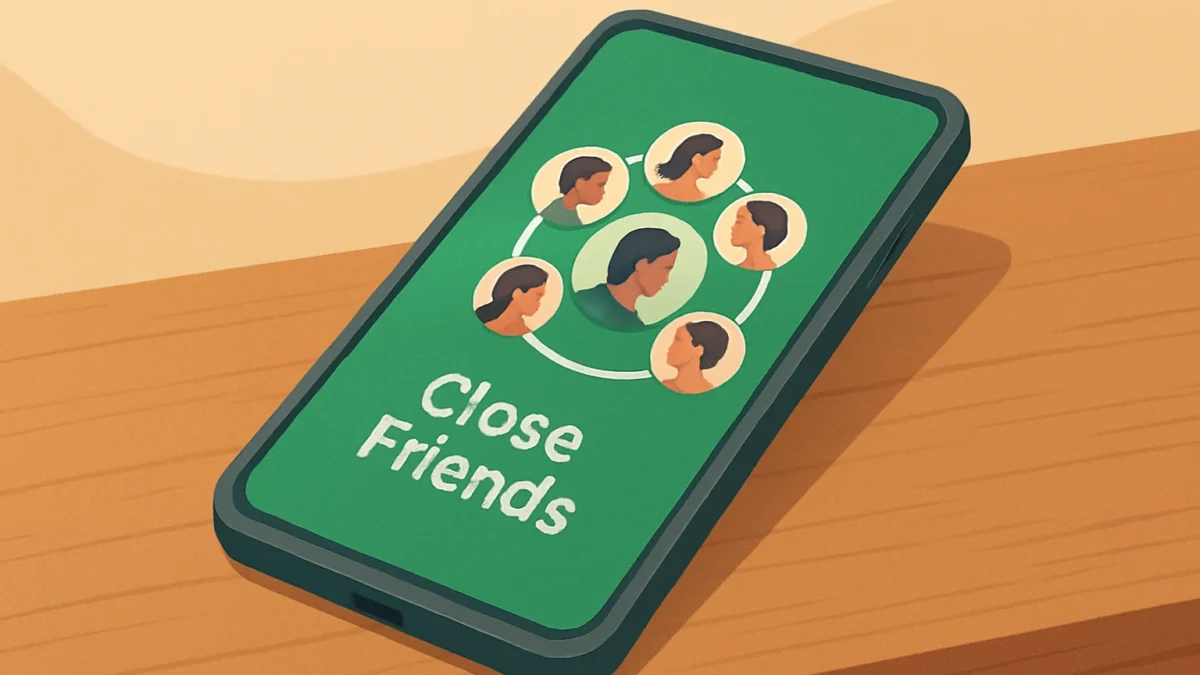
WhatsApp’s Close Friends for Status lets you create a trusted contact list and choose it when posting any Status. Use the Close Friends audience instead of 'My contacts' to share ephemeral updates with only selected people and avoid accidental visibility to work or extended contacts.
Key takeaways
- Close Friends is a new audience option for WhatsApp Status that limits visibility to a chosen list.
- You can create, edit and pick Close Friends per Status without changing global privacy every time.
- Watch out for backups, broadcasts, screenshots and unsaved numbers — they affect privacy in different ways.
- Use quick settings: preview audience, enable 'Only share with', and review Status privacy in Settings regularly.
In this article
- 1. What is Close Friends for Status?
- 2. Create your Close Friends list
- 3. Choose Close Friends when posting a Status
- 4. Use custom lists for more control
- 5. When to use Close Friends vs ‘My contacts except’ vs ‘Only share with’
- 6. Pitfall: Broadcast lists and Status overlap
- 7. Pitfall: Backups, forward chains and long-term visibility
- 8. Pitfall: Screenshots and forwards
- 9. Quick settings to avoid accidental overshares
- How we picked
- Frequently asked questions
- Sources
1. What is Close Friends for Status?
What it is: An audience option that lets you share a Status only with a pre-defined group of contacts (your Close Friends) instead of all contacts or ‘My contacts except’.
Best for: Personal updates you don’t want coworkers, clients, or distant relatives to see.
Pros: Faster than selecting people each time; reduces accidental overshares. Cons: Still requires you to manage the list; rollout may vary by device and app version.
How to start: Open WhatsApp Settings > Account > Privacy > Status and look for a new Close Friends or custom lists option. If it’s not visible, update the app and, if necessary, join the beta or wait for the staged rollout. ([whatsapp.com](https://www.whatsapp.com/status?utm_source=openai))
2. Create your Close Friends list
What it is: A saved selection of contacts you trust to see personal Statuses.
Best for: People who post both public and private Status updates and want a repeatable audience.
Pros: One-time setup; re-use for multiple Status posts. Cons: People change — you must update the list to stay accurate.
How to start: In Status privacy choose Close Friends or Manage Lists, tap Create list, pick contacts, and save. Test by posting a test Status and confirming the purple/marker ring (apps sometimes show a special ring for limited audiences). ([wabetainfo.com](https://wabetainfo.com/whatsapp-is-rolling-out-new-custom-lists-for-status-updates/?utm_source=openai))
Also read: WhatsApp backup: 7 things Indians must know about the new cloud option · 9 Snapchat privacy settings to change in India right now
3. Choose Close Friends when posting a Status
What it is: The per-post option to select Close Friends as the audience before you send the Status.
Best for: Sharing one-off personal photos, location-sharing, or family messages without changing global privacy.
Pros: Simple picker in the Status composer. Cons: Easy to forget — always check the audience label before you tap send.
How to start: Tap Status > Camera or Text > before posting, tap the audience label (usually shows ‘My contacts’ or the current setting) and choose Close Friends.
4. Use custom lists for more control
What it is: Create multiple lists (family, colleagues, neighbours) and pick the right one per Status.
Best for: Users who juggle different social circles and post frequently.
Pros: Granular control; faster than manual selection. Cons: More lists = more maintenance.
How to start: Manage lists from Status privacy or Contacts > Lists, then pick the relevant list in the Status composer. WABetaInfo’s reporting shows WhatsApp added support for custom audiences alongside the Close Friends option during testing. ([wabetainfo.com](https://wabetainfo.com/whatsapp-is-rolling-out-new-custom-lists-for-status-updates/?utm_source=openai))
5. When to use Close Friends vs ‘My contacts except’ vs ‘Only share with’
What it is: The three audience models now coexist: broad (My contacts), exclude (My contacts except), and narrow (Only share with / Close Friends).
Best for: Pick Close Friends for repeat private shares; use ‘My contacts except’ when excluding a few people temporarily.
Pros: Flexible choices for different needs. Cons: Confusion between similar-sounding options can cause accidental overshares.
How to start: Learn the difference and always confirm the selected option in the composer. Official WhatsApp Status help still lists audience controls — check settings after app updates. ([whatsapp.com](https://www.whatsapp.com/status?utm_source=openai))
6. Pitfall: Broadcast lists and Status overlap
What it is: Broadcast messages are one-to-many messages sent individually, not Statuses. People sometimes assume broadcasts and Status audiences are the same.
Best for: Use broadcasts for targeted direct messages and Close Friends for ephemeral public-like updates.
Pros: Broadcast reaches only saved recipients. Cons: Broadcasts won’t mark a Status; using the wrong tool may leak context (for example, sending a work broadcast to personal contacts).
How to start: When privacy matters, double-check whether you’re using Status or Broadcast and confirm the recipients on both features.
7. Pitfall: Backups, forward chains and long-term visibility
What it is: Status content disappears after 24 hours in-app, but media can be saved by viewers, forwarded, or included in backups on the viewer’s device.
Best for: Don’t post extremely sensitive content even to Close Friends if you can’t control sharing outside the app.
Pros: Ephemeral by design. Cons: Backups (cloud or local) and saved copies can persist beyond 24 hours.
How to start: Assume viewers can save or screenshot any Status. Avoid posting sensitive documents, identity photos, or passwords. Confirm whether recipients are likely to back up their WhatsApp. ([whatsapp.com](https://www.whatsapp.com/status?utm_source=openai))
8. Pitfall: Screenshots and forwards
What it is: WhatsApp does not block screenshots for Status; viewers can screenshot or record and forward outside the app.
Best for: Posts where limited sharing is okay, not where strict confidentiality is needed.
Pros: Quick sharing among trusted people. Cons: No technical protection against capture.
How to start: Use shared trust: tell Close Friends what’s private. For highly sensitive content, use end-to-end encrypted direct chat with additional safeguards or avoid sharing altogether.
9. Quick settings to avoid accidental overshares
What it is: A short checklist to reduce mistakes before posting any Status.
Best for: Busy users who post on the go.
Pros: Fast, behavioural safeguards. Cons: Needs discipline to follow each time.
How to start:
- Always tap the audience label in the composer and confirm it reads ‘Close Friends’ if that’s intended.
- Keep your Close Friends list small and review it monthly.
- Avoid posting photos of documents or location screenshots to any Status audience.
- Turn off automatic media download in Settings for added safety on viewers’ devices.
- Update WhatsApp from Play Store / App Store to get the latest privacy fixes. ([wabetainfo.com](https://wabetainfo.com/whatsapp-is-rolling-out-new-custom-lists-for-status-updates/?utm_source=openai))
How we picked
We focused on features and risks that matter to Indian WhatsApp users: audience controls, ease of use, and real privacy pitfalls (backups, broadcasts, screenshots). Reporting from WhatsApp, WABetaInfo and major Indian tech outlets informed the steps and warnings. We emphasised actions you can take today, not speculation about future releases. ([wabetainfo.com](https://wabetainfo.com/whatsapp-launches-status-lists-to-choose-who-can-see-your-updates/?utm_source=openai))
| Setting | Best use | Ease | Risk |
|---|---|---|---|
| Close Friends | Repeat private Statuses | Easy | List maintenance |
| Custom lists | Multiple groups (family, work) | Medium | Confusion between lists |
| My contacts except | Exclude a few people quickly | Medium | Accidental misses/overshares |
| Only share with | Single post with specific people | Low | Manual selection each time |
If you post both public and private Statuses, set up a Close Friends list and use it for personal updates. If you rarely post private content, stick to 'My contacts except' but review settings before posting. Always assume viewers can save or forward Statuses.
Frequently asked questions
How do I know if WhatsApp Close Friends is available for me?
Check Status privacy in WhatsApp Settings > Account > Privacy > Status. If you don’t see Close Friends, update the app (Play Store/App Store). The feature rolled out gradually, so availability may vary by device and account. ([wabetainfo.com](https://wabetainfo.com/whatsapp-is-rolling-out-new-custom-lists-for-status-updates/?utm_source=openai))
Will Close Friends prevent people from saving or forwarding my Status?
No. Close Friends limits who can view your Status in the app, but viewers can still screenshot, save media, or forward it outside WhatsApp. Avoid sharing very sensitive content even with Close Friends. ([whatsapp.com](https://www.whatsapp.com/status?utm_source=openai))
Does Close Friends affect chat privacy or backups?
Close Friends only controls Status visibility. Media seen in Status can still be saved by viewers or backed up on their devices. Your own chat backups are unaffected, but assume content may persist if someone saves it. ([whatsapp.com](https://www.whatsapp.com/status?utm_source=openai))
Can unsaved numbers in my phone see a Close Friends Status?
Only contacts that appear in your selected Close Friends list will see the Status. If a person isn’t saved or not added to the list, they won’t see it. WhatsApp has separate behaviours for unsaved numbers; check your list before posting. ([wabetainfo.com](https://wabetainfo.com/whatsapp-is-rolling-out-a-feature-to-share-status-updates-with-unsaved-phone-numbers/?utm_source=openai))
How often should I review my Close Friends list?
Review monthly or whenever your social circles change (new job, relationships). Keeping the list small reduces accidental overshares and makes it easier to trust who sees your Status.