6 WhatsApp view-once tips: save, screenshot & privacy controls
Learn how WhatsApp view-once works, which actions still save content, and step-by-step privacy settings for Android, iPhone and Web so you can use view-once safely.

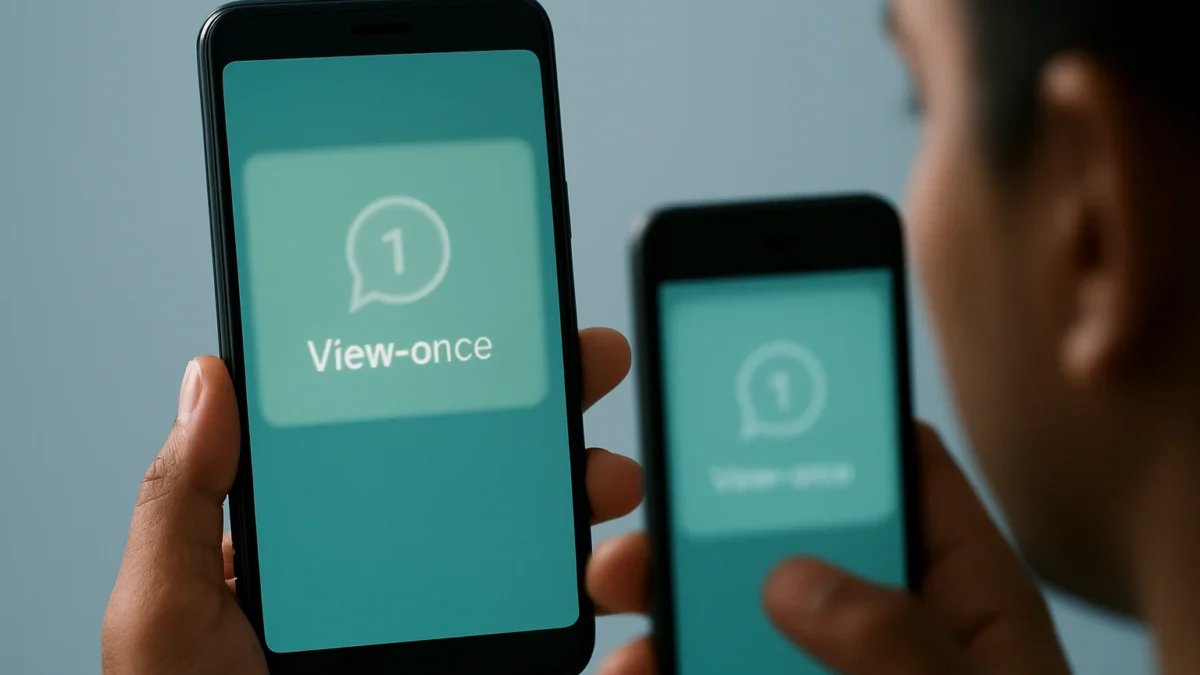
View-once on WhatsApp makes photos, videos and voice messages removable after a single open and blocks in-app saving, forwarding and starring. But recipients can still capture content using another camera or some device-specific workarounds, and opened view-once items aren’t included in cloud backups. Use app lock, disable media auto-save, and avoid sending sensitive stuff to untrusted contacts.
Key takeaways
- View-once blocks in-app save/forward and (usually) screenshots, but does not prevent an external camera capture.
- Opened view-once media is excluded from WhatsApp backups; unopened items may be in local cache on Android.
- On Android some files may remain in app folders or caches — update and disable media auto-save.
- Use App Lock, two-step verification, contact controls and disable Chat Backup if you want stricter control.
- WhatsApp Web and third-party screen recorders can bypass protections; assume any receiver can save content.
-
In this article
- 1. What is WhatsApp view-once?
- 2. Does view-once stop screenshots and screen recording?
- 3. Do backups keep view-once content?
- 4. Android: how content might still be saved
- 5. iPhone and WhatsApp Web: special notes
- 6. Practical privacy settings and safe workflows
- How we picked
- Frequently asked questions
- Sources
1. What is WhatsApp view-once?
What it is: View-once is a WhatsApp option that sends a photo, video or voice message that can be opened only once. After the recipient opens it, WhatsApp marks it as “Opened” and the content is removed from the chat UI.
Best for: quick, casual single-view media such as a temporary password photo, a short checklist or a private selfie you don’t want stored in chat.
Pros
- Blocks forwarding, starring and in-app saving.
- Shows an “Opened” receipt if read receipts are on.
Cons
- Doesn’t stop someone photographing the screen with another device.
- May be captured by device-specific file access or Web/recorder tools.
How to start
Compose a message, attach a photo/video or record a voice note, then tap the view-once icon (a 1 inside a circle) before you send.
-
2. Does view-once stop screenshots and screen recording?
What it is: WhatsApp implements screenshot and screen-recording blocks inside the app for view-once media on supported devices. The app usually shows a blocked-screenshot alert. However, this protection is not absolute.
Best for: users who want a reasonable in-app barrier to casual copying.
Pros
- Prevents in-app screenshot and recorder on most up-to-date iPhone and Android builds.
Cons
- External capture (another phone/camera) still works.
- Some Android versions or third-party file managers can access cached files.
How to start
Keep WhatsApp updated and tell recipients that screenshots are blocked — but don’t assume the content can’t be saved by other means.
-
Also read: WhatsApp Close Friends: 9 Status privacy settings Indians need · WhatsApp usernames — how they work and the new phone-number privacy
3. Do backups keep view-once content?
What it is: WhatsApp’s help centre says view-once media that has been opened will not be included in backups. Unopened view-once items may remain in transient caches until deleted.
Best for: senders who rely on the feature to avoid cloud copies after the recipient opens the item.
Pros
- Opened view-once items are excluded from Google Drive/iCloud backups, reducing cloud traces.
Cons
- Local app files or temporary caches (especially on Android) can sometimes be recovered if the device is compromised.
- Reporting by the recipient can send the view-once media to WhatsApp for review.
How to start
If you must avoid backups entirely, don’t use Chat Backup while sending sensitive view-once media, and ask recipients to delete or avoid saving it.
-
4. Android: how content might still be saved
What it is: On Android, app data and cache are more accessible. Some versions or file explorers can expose temporary copies of media before the one-time flag deletes them.
Best for: Android users who want to understand risks and reduce traces.
Pros
- You can reduce risk by turning off “Media visibility” and disabling auto-download.
Cons
- Rooted phones, backup tools or careless file access can reveal cached files.
How to start
- Open WhatsApp Settings > Storage and data > Media auto-download: turn off for Photos/Videos/Audio.
- Settings > Chats > Media visibility: turn off to stop saving to Gallery.
- Keep the app and Android updated and avoid third-party backup apps.
-
5. iPhone and WhatsApp Web: special notes
What it is: iPhone enforces stronger screenshot-blocking inside the app, but view-once text is rolling out in beta. WhatsApp Web can display view-once media in a browser window — and browsers or desktop recorders can capture it.
Best for: iPhone users who want the strongest built-in protection, and people who avoid Web-based exposure.
Pros
- iOS tends to block in-app screenshots reliably on recent WhatsApp versions.
Cons
- WhatsApp Web and desktop screen recorders can capture view-once content; external cameras also work.
- New view-once text in beta may have behaviour differences until officially released.
How to start
Avoid opening sensitive view-once items on WhatsApp Web. On iPhone, enable Screen Time & Face/Touch ID app lock for extra protection.
-
6. Practical privacy settings and safe workflows
What it is: Combine WhatsApp privacy controls and device settings to reduce the chance that view-once media is captured or retained.
Best for: anyone who plans to send or receive view-once content and wants practical steps to reduce risk.
Pros
- Simple settings greatly reduce accidental saving and unwanted exposure.
Cons
- No configuration makes capture impossible — technical workarounds and external cameras remain.
How to start
- Turn on two-step verification in WhatsApp Settings > Account > Two-step verification.
- Enable App Lock (Settings > Privacy > App Lock) so the phone’s biometrics protect WhatsApp.
- Turn off Chat Backup if you do not want any cloud copies of messages or media.
- Disable media auto-download and media visibility (Android) or Save to Camera Roll (iPhone) for chats with sensitive recipients.
- Tell recipients you sent view-once content and ask them not to photograph it — clear communication helps.
How we picked
We used WhatsApp’s official Help Centre guidance and recent reporting about new view-once tests to explain feature behaviour and limits. We prioritised steps available on current Android and iPhone builds and included practical device-level settings to lower risk.
| Topic | Protection level | Best action |
|---|---|---|
| Built‑in screenshot block | Medium | Keep WhatsApp updated |
| Cloud backups | Good for opened items | Disable Chat Backup for highest control |
| Android cache/files | Risky on older devices | Disable media visibility and avoid third‑party backups |
| WhatsApp Web | Low | Avoid opening sensitive view‑once items on Web |
View-once is useful for casual, low-risk sharing but is not a foolproof privacy barrier. Use it with App Lock, disable auto-save and avoid WhatsApp Web for sensitive items. If you need absolute secrecy, don’t share the content at all.
Frequently asked questions
Can someone save a WhatsApp view-once image?
Yes. WhatsApp blocks in‑app saving and (usually) screenshots, but recipients can still photograph the screen with another device, use desktop recording on WhatsApp Web, or, on some Android phones, find cached files. Assume content can be saved.
Are opened view-once messages saved in backups?
No. WhatsApp’s help pages say view‑once media that has been opened won’t be included in iCloud or Google Drive backups. Unopened view‑once items or local caches can still exist temporarily on devices.
Will blocking screenshots always work on my phone?
Not always. Most current iPhone and modern Android builds block in‑app screenshots for view‑once, but behaviour varies by OS version and app beta releases. External capture methods still bypass the block.
How can I reduce the chance view-once media is saved?
Turn on App Lock and two‑step verification, disable media auto‑download and media visibility, avoid using WhatsApp Web for sensitive items, and ask recipients not to capture the screen.
Does reporting a view-once message keep a copy?
If a recipient reports view‑once media, WhatsApp may receive a copy for review. So reporting is an exception where the company can access the content.